What We Built
A briefing leaves Debrief as a single .zip file. The recipient unzips it on any machine with a modern browser — a classified workstation, a stakeholder’s laptop, a training-room PC with the network cable out — double-clicks index.html, and the Storyboard plays. Same Scene order, same viewport tweens, same time-slider scrub through every time-range Scene from #263, same per-frame track motion. No install, no extension host, no server, no network call. The zip carries its own basemap tiles, its own Scene thumbnails, its own GeoJSON, its own SPA.
Two viewing modes live behind a hover-revealed toggle. Minimal shows a transport bar (play, pause, next/previous Scene) and a scrubber, for an interactive walkthrough where the audience wants to stop on a moment. Present hides every control and lets the map fill the screen, for the room where the briefer is talking and the screen should just be the picture. Mode survives the toggle; playback position survives the toggle; nothing about the rendering changes between them — only what chrome is on top.
How It Fits
The briefing renderer is the second consumer of the Storyboard playback engine that #217 and #258 built and #263 extended for time-range Scenes. That engine — StoryboardPlaybackService — moved during this feature out of apps/vscode/ into shared/components/src/storyboardPlayback/service.ts. The hoist is net-zero behaviour for the VS Code app (every pre-existing test passes against the relocated service via a thin re-export shim) but it removes the structural barrier to a second consumer: the briefing renderer can now compose the same service directly when its playback surface grows beyond the current read-only minimum.
The new SPA at apps/briefing-renderer/ (sibling to apps/backlog-navigator/ and apps/spec-navigator/) currently composes a smaller SPA-local driver around the host-agnostic runTimeRangeTween primitive that #263 placed in shared/components/ — sufficient for a recipient-side playback view, and a clean swap target for the full service when the briefing grows interactive editing. Four browser-side port adapters (Map, SessionStore, PanelView, TimeRangeView) sit between the driver and Leaflet, the local Zustand store, and the chrome surface.
The export command lives in the VS Code extension as debrief.storyboard.exportAsBriefingZip, and the pre-built SPA bundle ships as a static resource inside the extension so every export is reproducible from the version of the tool that produced it.
Key Decisions
- Inline the data, don’t
fetch()it. Browsers restrictfetch()fromfile://origins by design. The export injectsfeatures.geojsonanditem.jsonintoindex.htmlas<script type="application/json">blocks, and binary assets (Scene thumbnails, basemap tiles) load through ordinary relative<img>and LeafletTileLayerpaths — whichfile://allows. This is the pattern that lets the zip work on a totally cold machine. - Strip Vite’s
crossoriginattribute from the built<script>and<link>tags. Chrome and Edge apply CORS to module scripts that carry that attribute, and thefile://origin can never pass a CORS check — the attribute would cause the renderer to fail at boot. A 30-line post-build script (scripts/strip-crossorigin.mjs) removes it. The Playwright suite catches any regression: the file-protocol spec opens the builtindex.htmlfrom a realfile://URL and asserts the SPA mounts. - Pre-fetch tiles per Scene at export time, including the interpolation path. Each Scene’s captured viewport and zoom give a tile set; for time-range Scenes we sample the viewport tween between
viewport_startandviewport_endand union the coverage so mid-scrub pans never hit a missing tile. The bytes go intiles/{z}/{x}/{y}.png. The zip is the basemap server. - Boundary types derived, not re-listed.
BriefingFeatureCollection = StoryboardPlot;BriefingItemJsonis a strict subset of the source plot’s STAC item.json. Constitution Article IV.5 applies; future fields on the source flow through automatically rather than disappearing silently into a recipient’s briefing. - One new dependency:
jszip. Pure JS, MIT-licensed, no native binaries, used only at export time inside the VS Code extension. Considered shelling out tozip(1)and rejected on cross-platform grounds (Windows hosts). - Export per Storyboard, not per plot. The command lives on the Storyboard’s own overflow menu — there is no ambiguity about which one you exported, even when a plot accumulates several over an exercise’s iteration. The scoping pass walks the chosen Storyboard’s
SceneFeaturereferences and includes only the features they actually touch. - Browser scope narrowed to current Chrome and Edge on desktop. The original four-browser matrix (add Firefox + Safari) doubled the loader work for a marginal audience gain. The supported pair shares the same
file://-origin loading rules; the SPA’s boot-time browser probe surfaces a banner naming the supported browsers when opened in Firefox / Safari / mobile — Article I.3, no silent failure. Captured as ADR-NEW (2026-05-20). - Hoist the playback service, but ship a smaller driver for now. The 983-line
StoryboardPlaybackServicewas tightly bound tovscode.Eventandvscode.workspace.fs. The hoist replaces those with a host-agnosticHostEvent<T>/HostEventEmitter<T>pair (structurally compatible withvscode.EventEmitter— the VS Code app’svscode.EventEmitterinstances pass through unchanged) and lifts the three vscode-backed defaults (showErrorMessage,setContext,showInformationMessage) up to the instantiation site. The shared service is now the single source of truth; the VS Code app composes it via a thin re-export shim, and 840 pre-existing vscode tests pass against the new module unchanged.
Screenshots
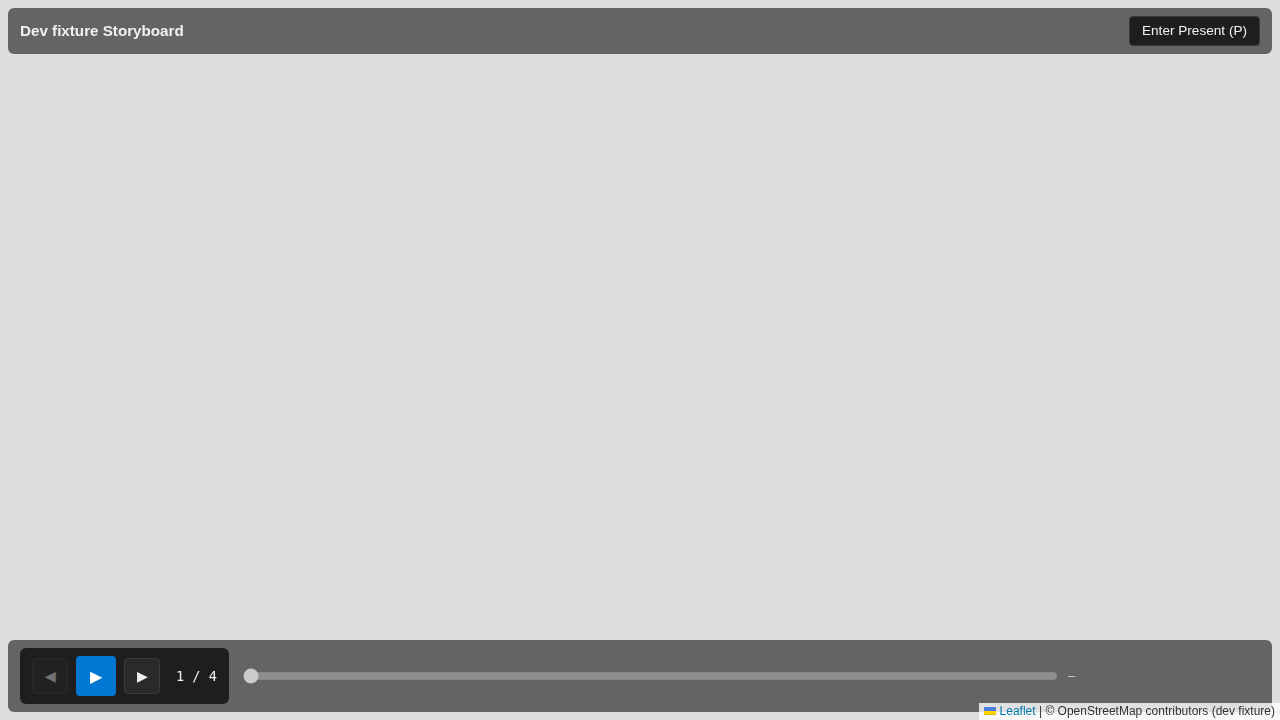
Minimal mode (default) vs Present mode
The recipient lands in Minimal mode — title bar, transport, time slider all visible. Pressing P (or clicking Enter Present (P)) hides every control and the map fills the viewport.
| Minimal mode (default) | Present mode |
|---|---|
 |
 |
The two components in isolation
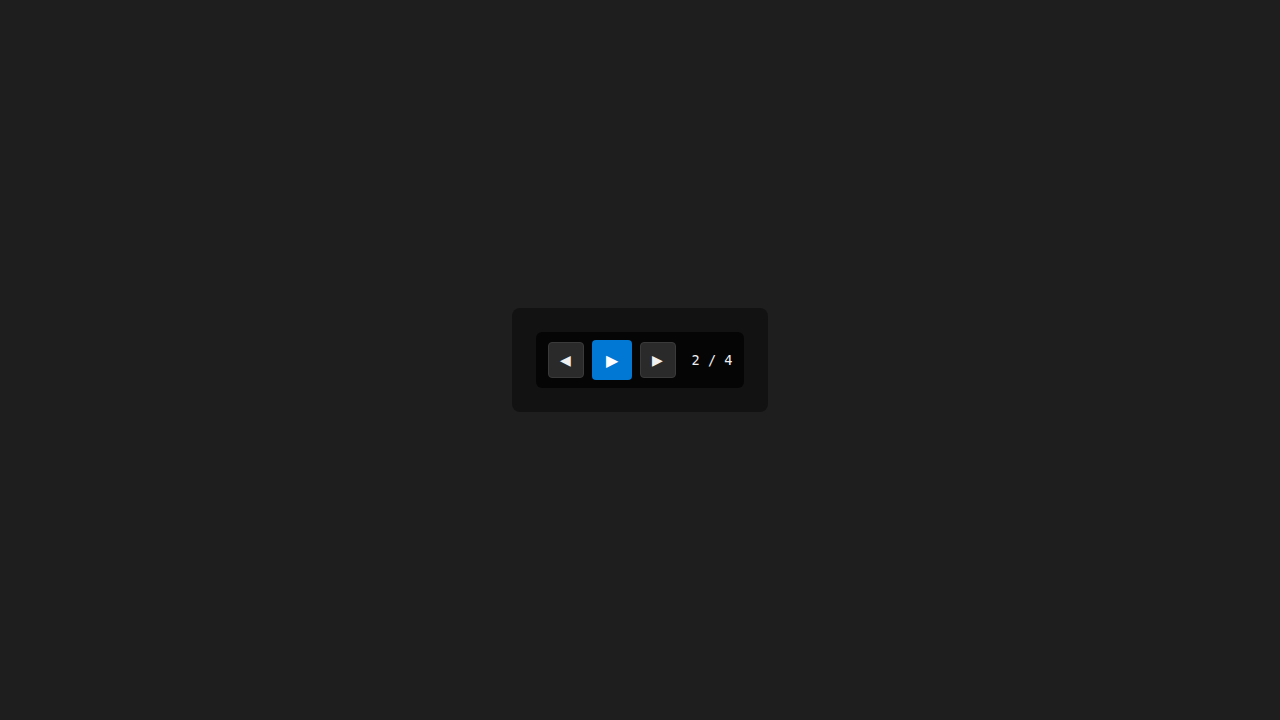
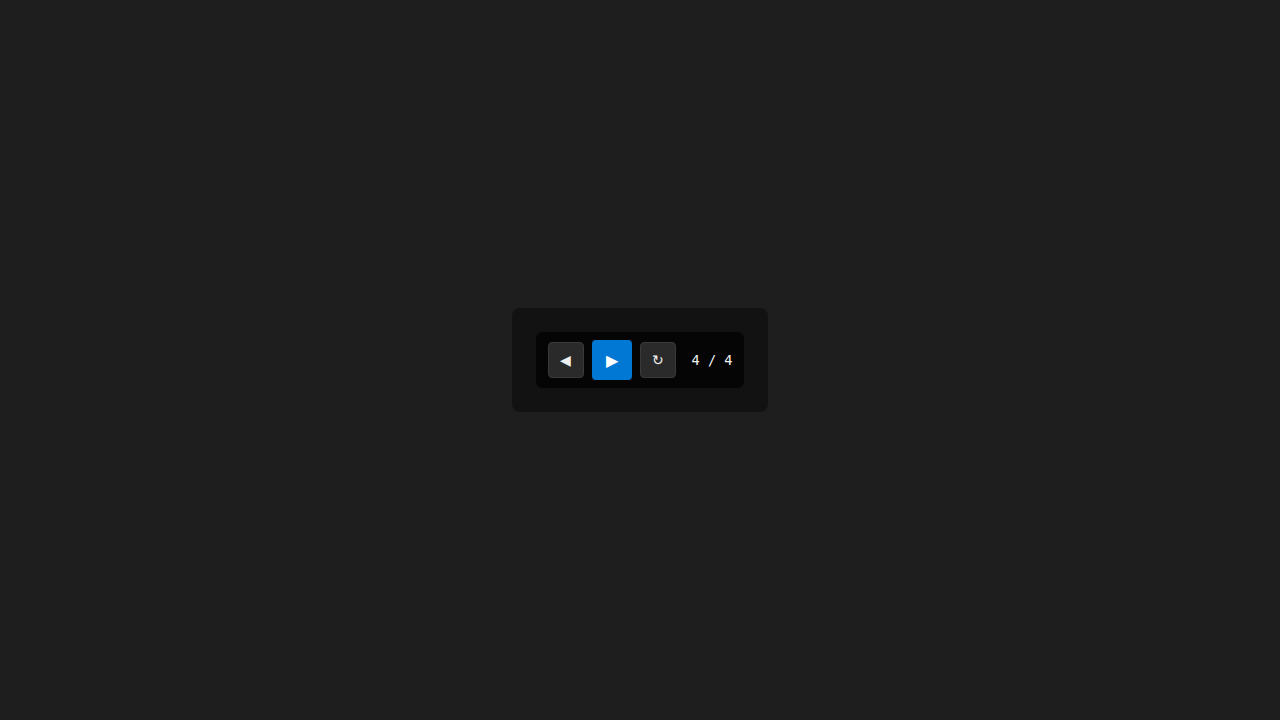
The TransportBar exposes play/pause, prev/next Scene, and a Replay button that appears in place of Next at the final Scene. The ModeToggle is always visible in Minimal mode and hover-revealed in Present mode (the P key works in both).
| TransportBar — Idle | TransportBar — End of Storyboard |
|---|---|
 |
 |
| ModeToggle — Minimal | ModeToggle — Present (hover-revealed) |
|---|---|
 |
 |
MapView with the briefing-friendly tile-layer props (T-MAPVIEW-EXT)
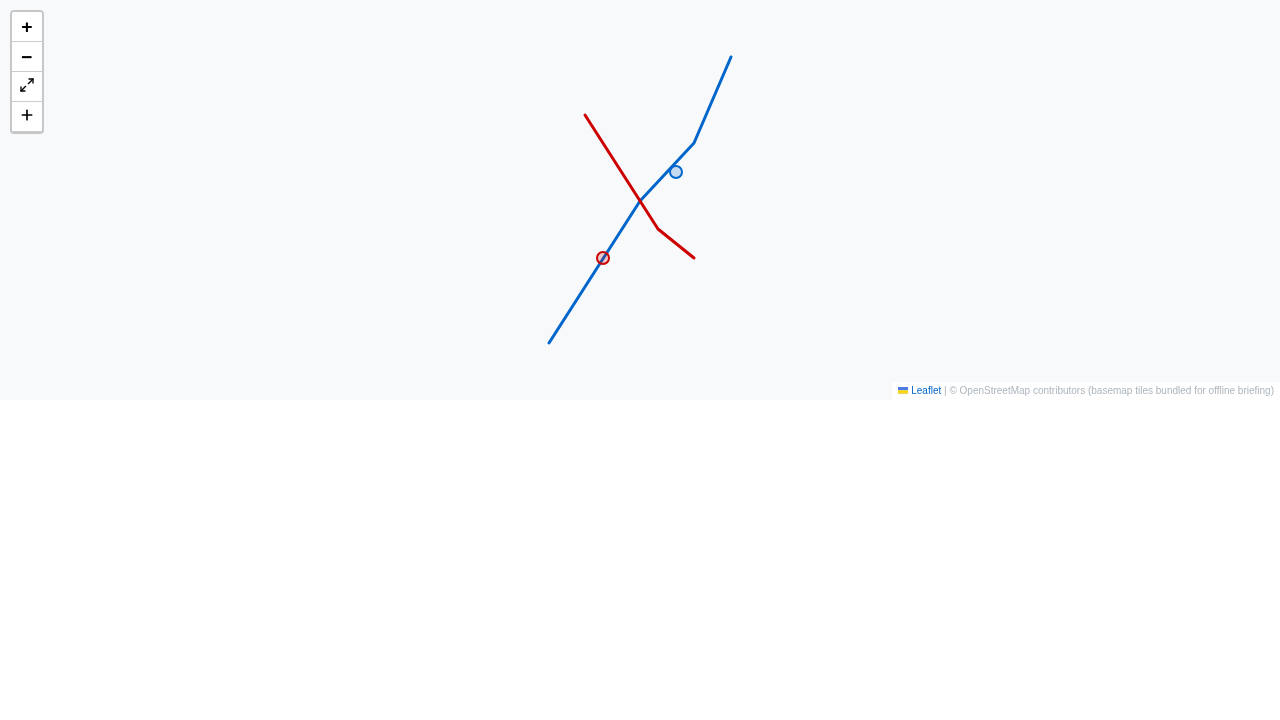
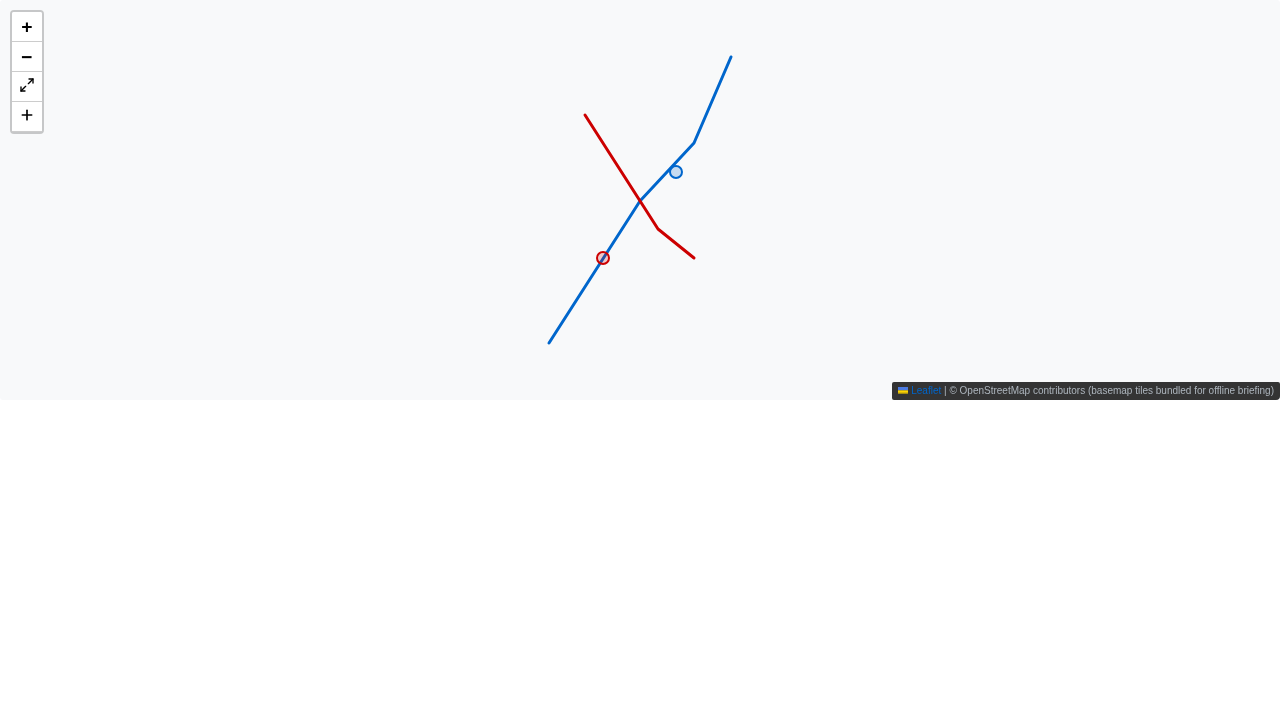
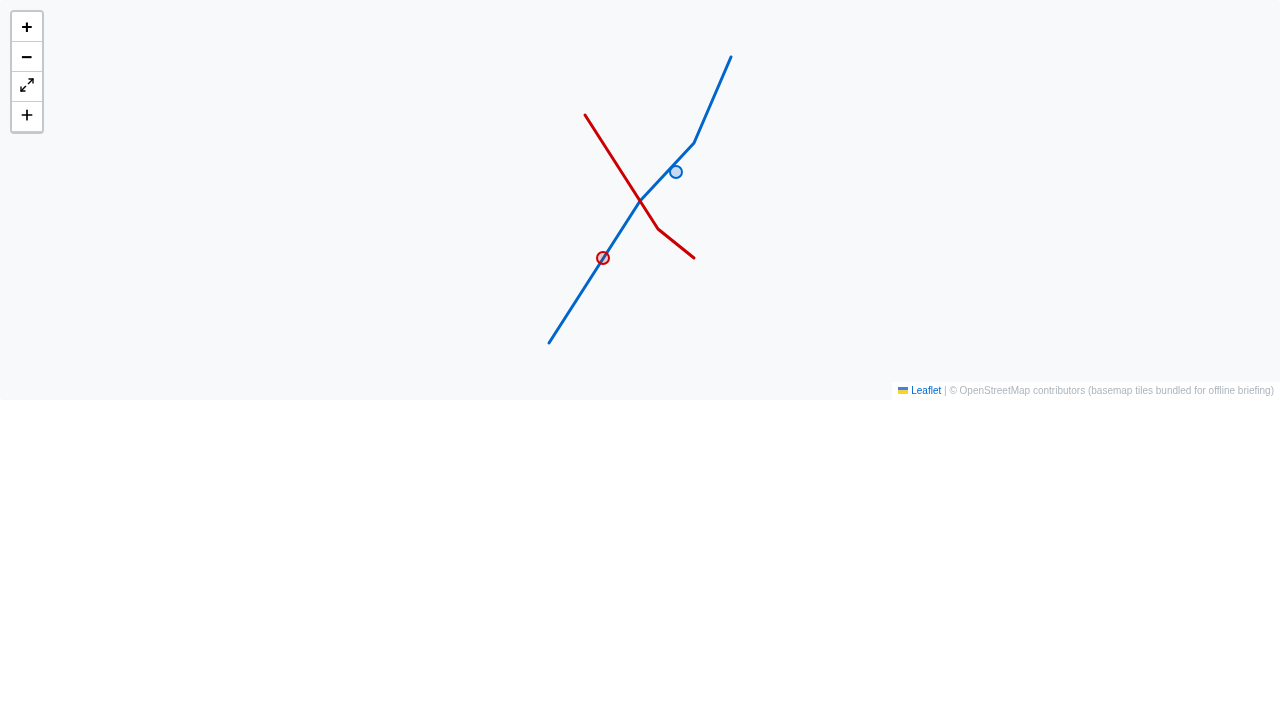
The four new MapView props (errorTileUrl, maxZoom, noWrap, tileLayerCrossOrigin) — captured in three themes from the shared-components Storybook. Defaults preserve today’s behaviour for every existing MapView consumer.
| light | dark | vscode |
|---|---|---|
 |
 |
 |
Failure-mode surfaces (Article I.3)
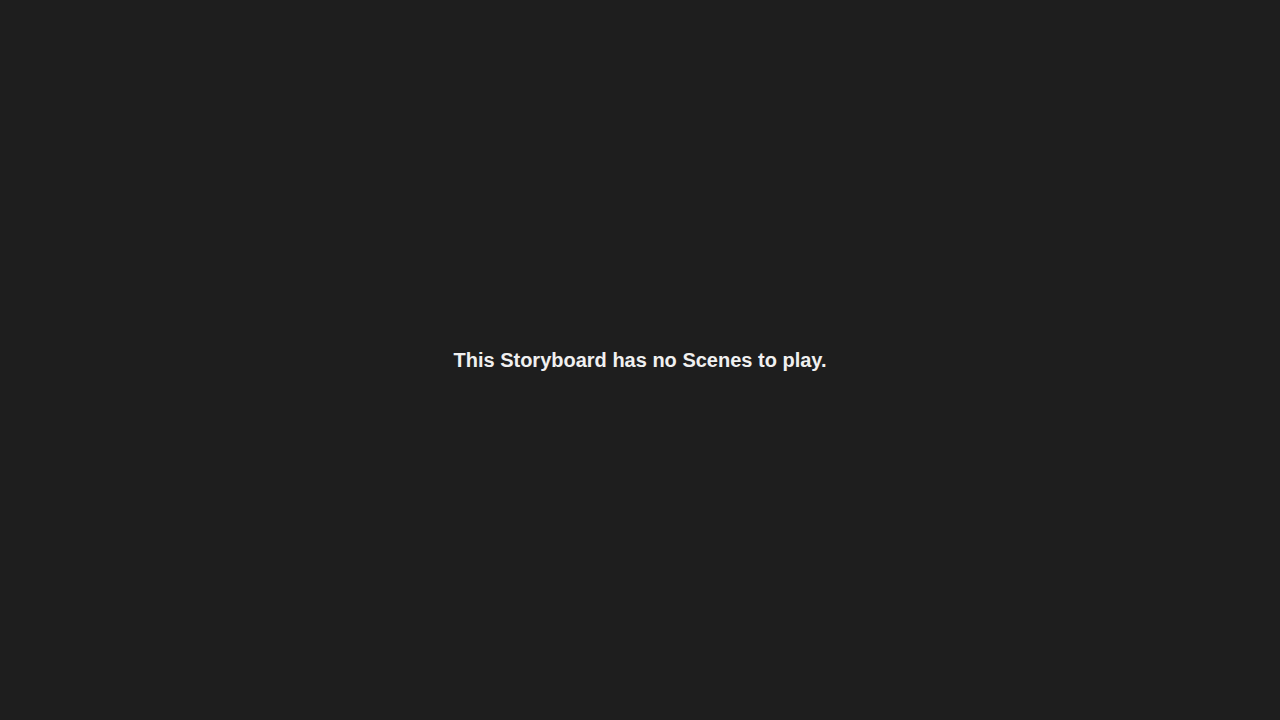
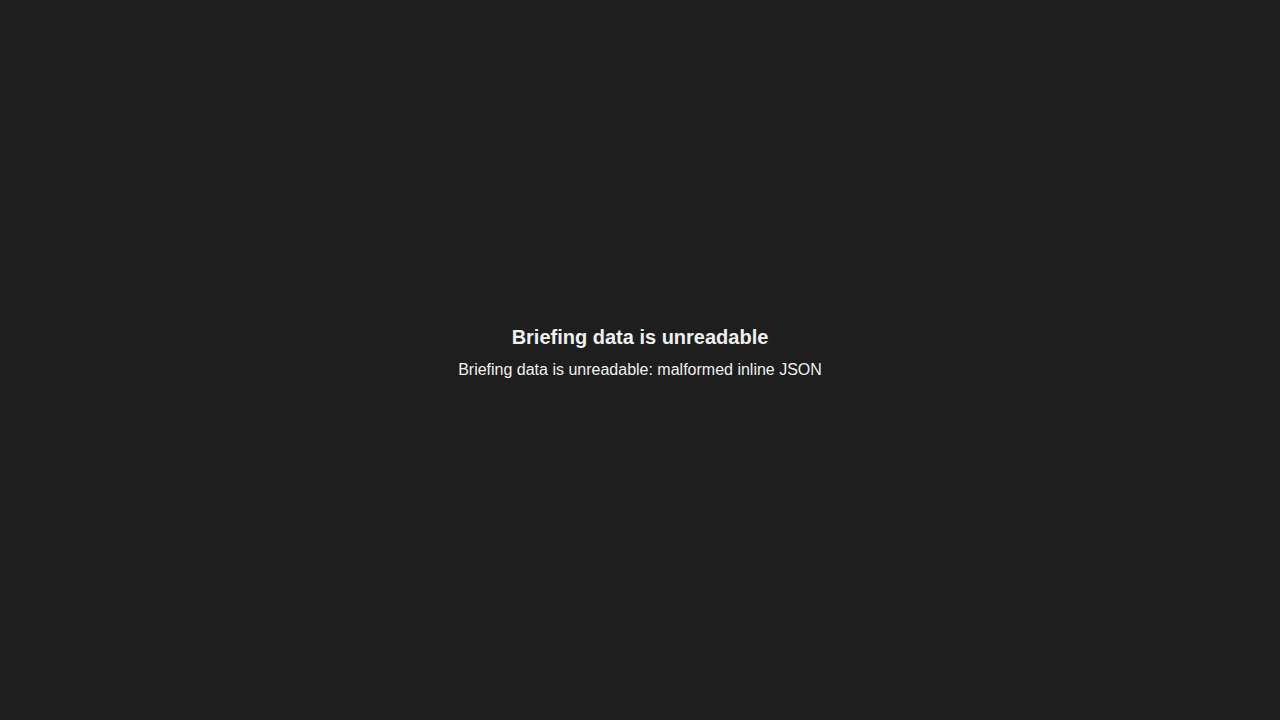
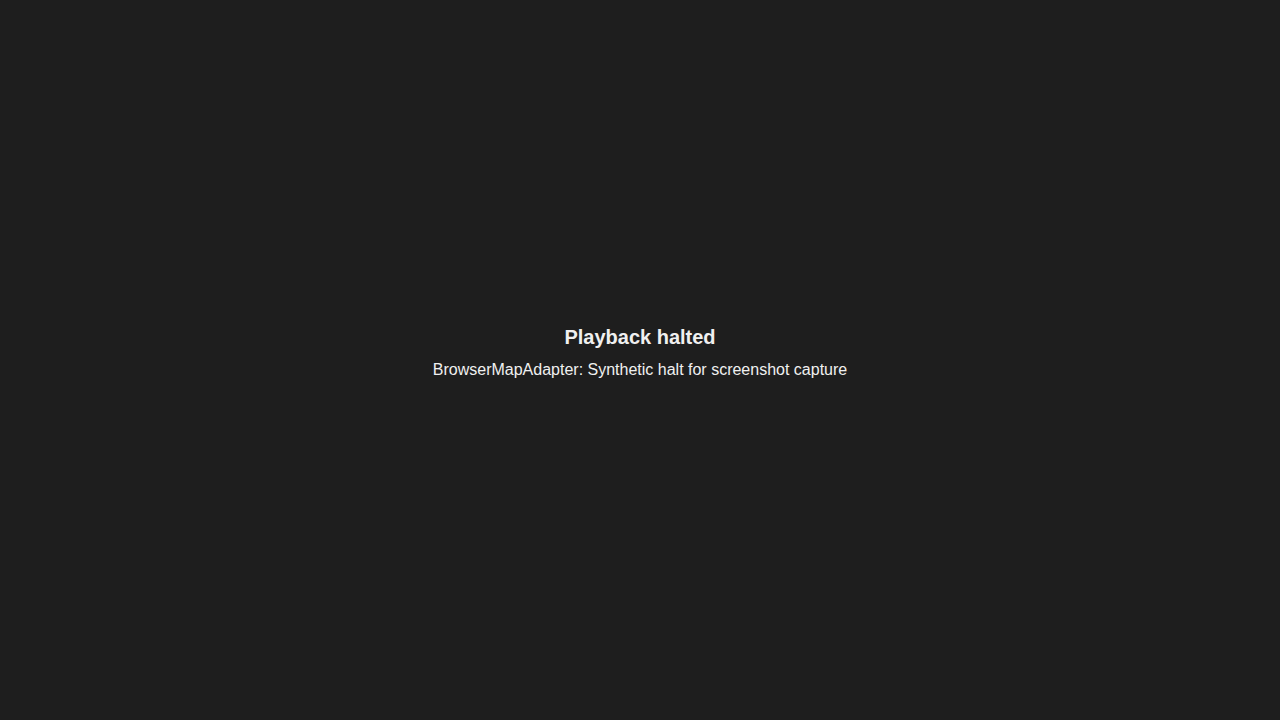
The empty state when a Storyboard has no Scenes; the error state when the inline JSON is unreadable; and the “playback halted” state any adapter throw or tween rejection transitions into. None of the three is silent — every recipient sees an explicit message.
| Empty state | Error state | Playback halted |
|---|---|---|
 |
 |
 |
Interaction GIF
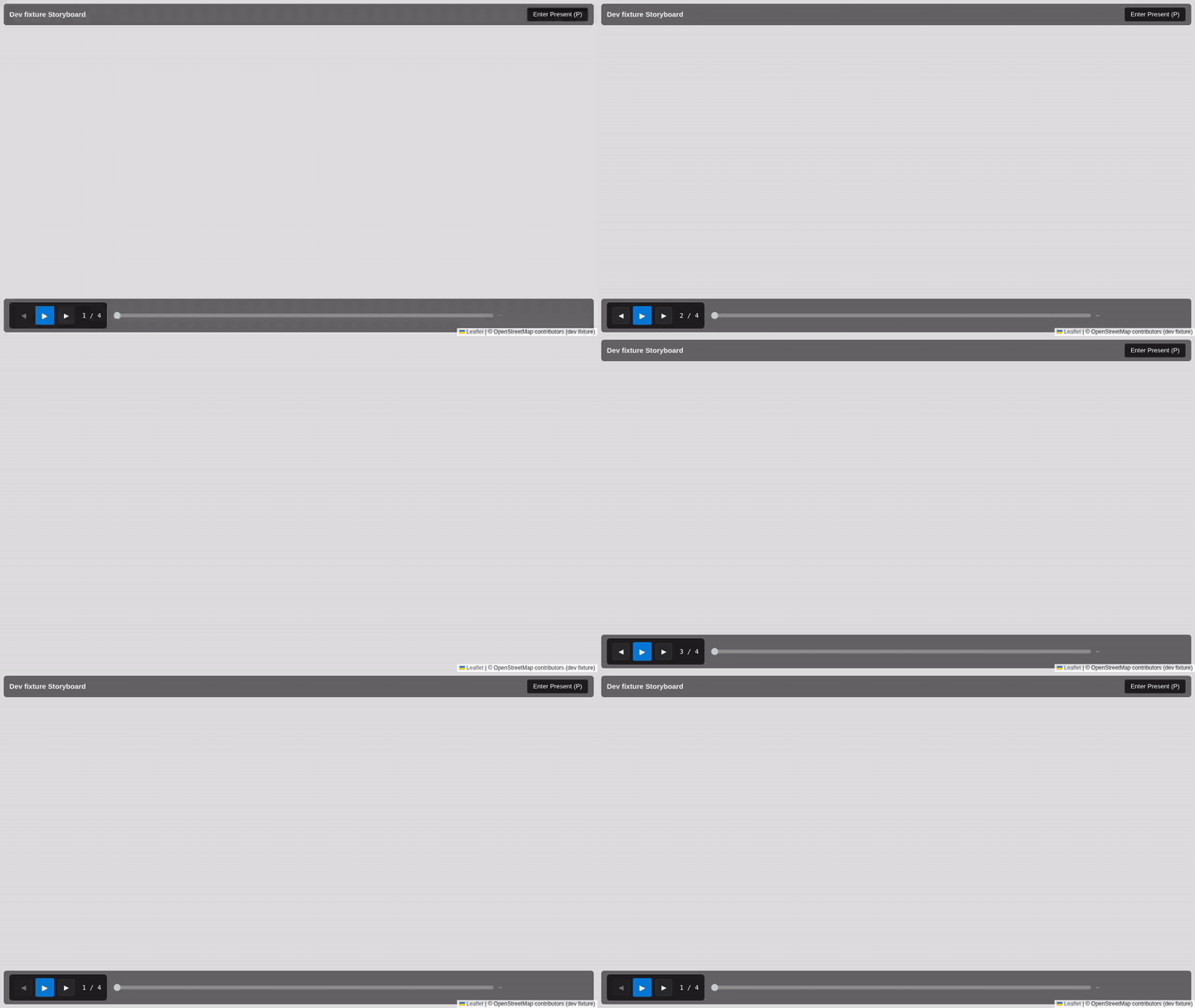
The mode-toggle + playback flow, captured via Playwright recordVideo and post-processed with ffmpeg into a small looping GIF (~100 KB, well under the 2 MB target).
By the Numbers
- One new SPA workspace at
apps/briefing-renderer/— Vite + React 18 + Zustand + react-leaflet 4.2 — ~1 500 LOC TS including tests. - One major hoist:
StoryboardPlaybackService(983 lines) moved fromapps/vscode/src/services/toshared/components/src/storyboardPlayback/. The four port interfaces split out intoports.ts; thevscode.EventEmitterdependency replaced by a host-agnosticHostEventEmitter<T>; the threevscode.window.*defaults lifted to the instantiation site. Zero behaviour change — all 49 pre-existing storyboardPlayback tests pass against the relocated service. - New VS Code command surface:
debrief.storyboard.exportAsBriefingZip+ a 6-step orchestrator (scopeStoryboard,buildItemJson,computeTileCoverage,fetchTiles,injectInlineData,assembleZip). - 935 passing tests across the feature surface (no failures): 840 vscode vitest cases (including 60 new briefing-zip-export cases + 49 pre-existing storyboardPlayback tests against the hoisted service), 58 briefing-renderer vitest cases (loader, probes, adapters, playback driver, halted-state, TransportBar, ModeToggle, TimeSlider, boot), 31 MapView vitest cases (9 new for briefing props), and 19 Playwright E2E specs.
- 19 Playwright specs, all passing: 16 in the briefing-renderer suite covering the
file://boot, network isolation (SC-002), 10× mode toggle (SC-005), failure-mode surfaces, screenshot producers, story-mode component captures, the end-to-end real-export → real-unzip → real-play test, and the interaction GIF; plus 3 in shared/components covering the MapView briefing-props story in all three theme variants. - One new runtime dependency (
jszip ^3.10.1) in the VS Code extension; no new dependencies in the SPA beyond React, Leaflet, react-leaflet, and Zustand.
What’s Next
- Swap the SPA-local driver for the hoisted
StoryboardPlaybackServiceonce the briefing renderer needs the additional surface area the full service provides (Scene-rectangle click handling, snapshot stream, missing-data detection). With T-HOIST already complete this is now a small follow-up rather than the architectural blocker it once was. - PMTiles basemap (#272) when zip size becomes a real transport problem — the integer-zoom-only policy in #264’s research caps typical zips around 50 MB but very large Storyboards may exceed that.
- MP4 / GIF export (#265 — research spike) for the audience that wants a recorded playback rather than an interactive one.
- Bidirectional time-range scrubbing in the briefing SPA’s time slider — the slider currently reads the engine’s frame-by-frame writes; letting the user drag it backwards through a tween is the next polish step.
- Multi-theme support in the briefing renderer so the chrome ships in light / dark / vscode variants alongside the MapView prop matrix already covered.