What We Built
Running Playwright against a full VS Code workbench is straightforward on a developer laptop. Running it inside Claude Code’s sandboxed environment – where CDN downloads return 403, snap packages fail, and multi-process Chromium crashes mid-render – took a week of dead ends before anything worked.
The result is an ensure-chromium.sh script, a set of Chromium flags, and a switch from code-server to openvscode-server. Together they let us drive VS Code through its command palette, Quick Open dialog, and file navigation from within the sandbox. Four screenshots prove it.
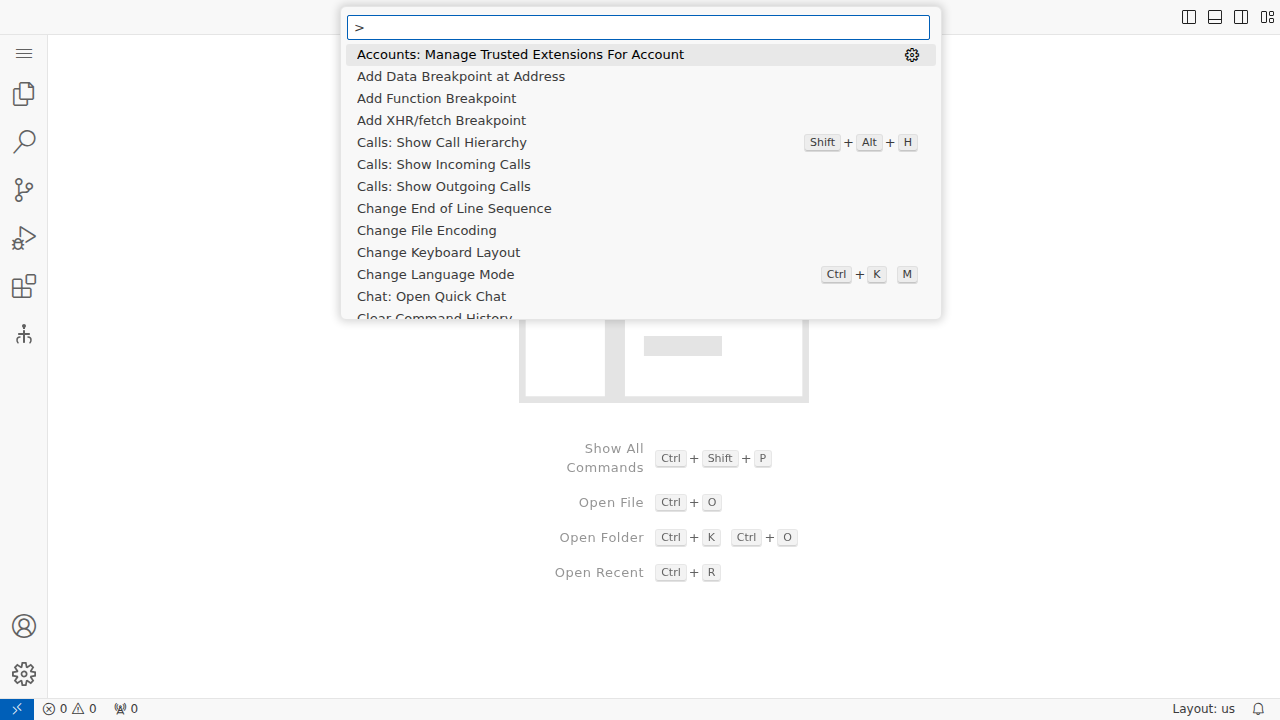 Command palette (F1) responding to keyboard input inside the sandboxed browser. This was the moment we knew the infrastructure worked.
Four Dead Ends
Each approach seemed reasonable in isolation. Each failed for a different reason.
1. Standard Playwright install. npx playwright install chromium downloads from cdn.playwright.dev. The sandbox returns 403 Forbidden - host_not_allowed. Every Playwright CDN mirror we tried hit the same firewall. Non-starter.
2. @sparticuz/chromium. This npm package bundles a minimal Chromium binary designed for AWS Lambda. It extracts to /tmp/chromium and works for simple pages – we had it rendering HTML and running DOM tests within an hour. But the VS Code workbench is not a simple page. The minimal build crashed consistently when rendering VS Code’s complex DOM. The workbench never got past the initial paint.
3. code-server with Playwright. code-server wraps VS Code as a web application and seemed like the natural host. But its WebSocket authentication depends on vsda, a proprietary WASM module that isn’t open source. In our environment, the connection handshake failed silently. We spent a day tracing WebSocket frames before finding the dependency.
4. Multi-process Chromium. Even after solving the browser and server problems, Chromium’s default multi-process architecture caused renderer crashes in the container. Taking screenshots – the thing we needed most for evidence – would kill the renderer process. The workbench would load, we’d call page.screenshot(), and the browser would crash.
What Actually Worked
GitHub Release browser hosting. Instead of fighting CDN restrictions, we uploaded a full Chromium build (matching Playwright’s expected version) as a GitHub Release asset under the tag playwright-browsers-v1. The ensure-chromium.sh script tries the standard Playwright install first. When that fails, it downloads from the GH release, places the binary where Playwright expects it, and writes a .chromium-path file that playwright.config.ts picks up. The script is idempotent – run it twice, it skips the download.
# Resolution order in ensure-chromium.sh:
# 1. Already installed? → done
# 2. npx playwright install chromium → try CDN
# 3. CDN blocked? → download from GH release
openvscode-server. Gitpod’s open-source VS Code server, without the vsda dependency. The global setup script checks for it first, falls back to code-server if needed. No authentication tokens, no proprietary modules. It just starts and serves the workbench.
Single-process Chromium. The flags --single-process --no-zygote --disable-software-rasterizer collapse Chromium’s process tree into one process. This prevents the renderer crashes that plagued multi-process mode in the container. The trade-off is that a crash in any component takes down the whole browser, but for testing that’s acceptable – a crash is a test failure either way.
// playwright.config.ts -- sandboxed launch options
args: [
  '--no-sandbox',
  '--disable-setuid-sandbox',
  '--disable-gpu',
  '--disable-dev-shm-usage',
  '--disable-software-rasterizer',
  '--single-process',
  '--no-zygote',
]
Welcome tab workaround. VS Code’s Getting Started tab renders inside an iframe that captures keyboard focus. The command palette (Ctrl+Shift+P) and Quick Open (Ctrl+P) won’t respond because keystrokes go to the iframe instead of the main window. The fix is two-part: machine-level settings to disable the Welcome tab (workbench.startupEditor: none), and a Ctrl+W keystroke on load to close it if it appears anyway, followed by clicking the title bar to return focus to the main window.
Evidence
Four screenshots taken during a test run inside the sandbox, each proving a different layer works.
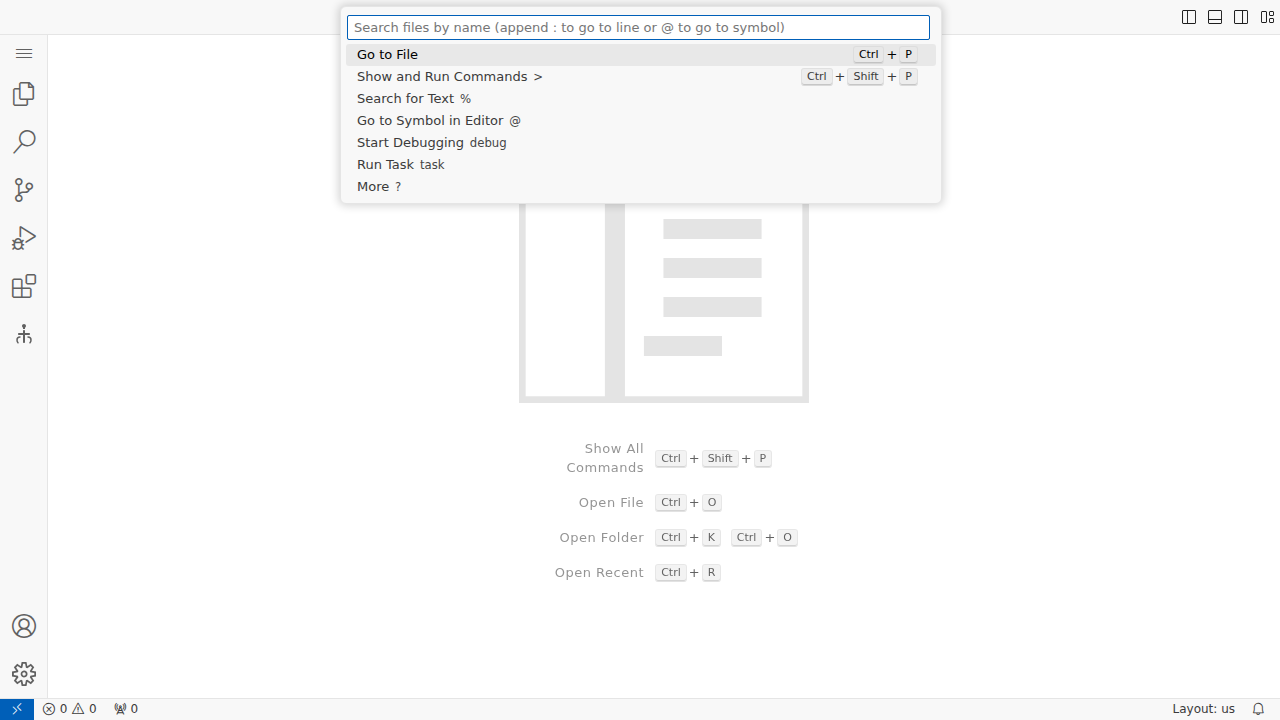 The full VS Code workbench rendered inside headless Chromium. Activity bar, editor area, status bar all present.
F1 opens the command palette and it responds to typed input. This requires keyboard focus to be on the main window, not trapped in an iframe.
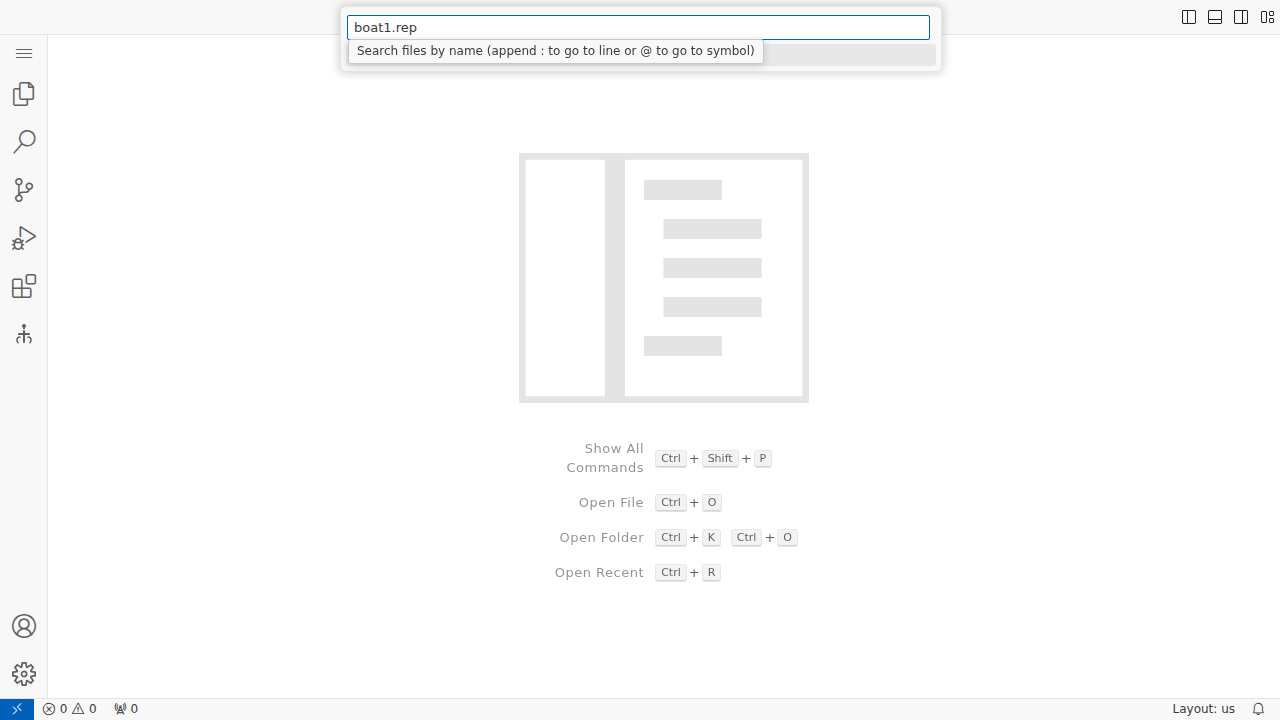 Ctrl+P opens Quick Open with file search suggestions. The workbench’s keyboard shortcut handling is fully functional.
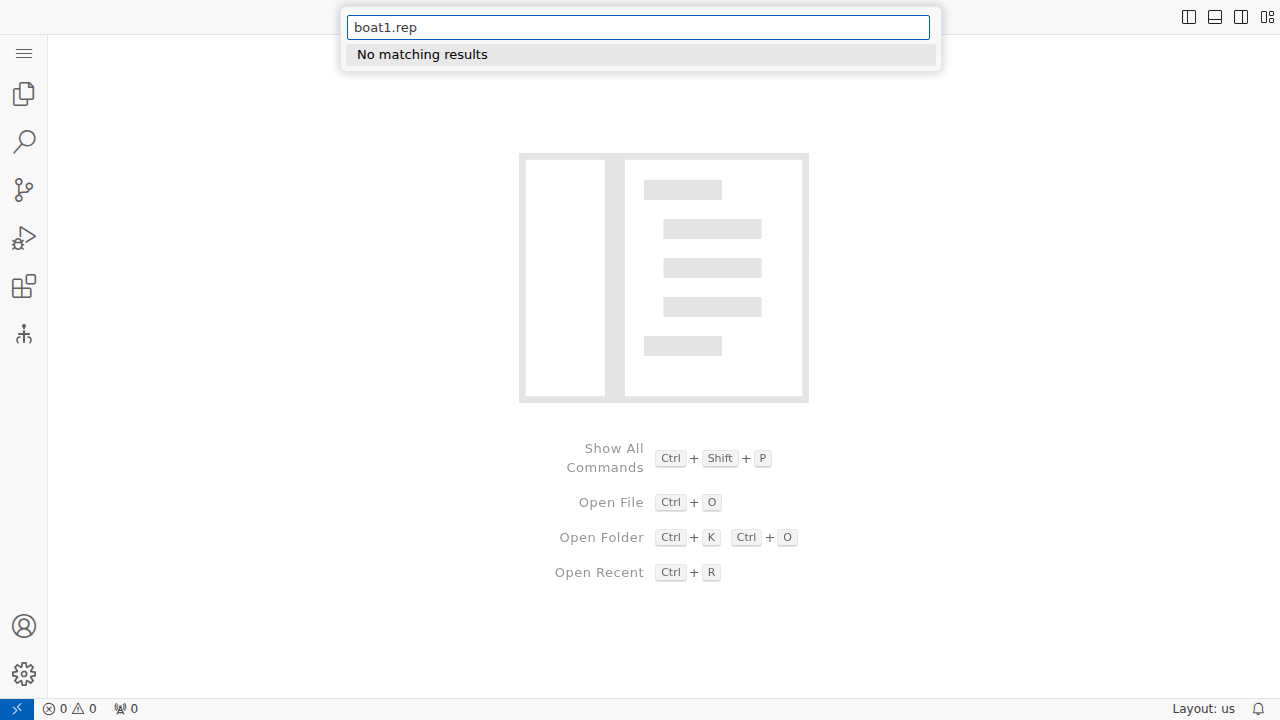 Typing a filename into Quick Open. The search executes against the workspace. File navigation works end-to-end.
What We Learned
The research note saved days. Early in the project we documented every Playwright installation approach we tried in docs/project_notes/playwright-installation-research.md. That note ruled out three dead ends immediately when we circled back to E2E testing. Writing down what doesn’t work is as valuable as writing down what does.
@sparticuz/chromium is for simple pages. It’s optimized for Lambda functions that render PDFs or take screenshots of single-page apps. VS Code’s workbench – with its nested iframes, service workers, and complex layout engine – overwhelms the minimal build. The right tool for the wrong job.
Single-process mode contradicts most advice. Chromium documentation and StackOverflow answers consistently warn against --single-process. For production browsers, they’re right. For headless testing in containers, it’s the only configuration that doesn’t crash. Context matters more than best practices.
The Welcome tab is a focus trap. This cost half a day. Everything looked correct – the workbench loaded, the browser was stable, screenshots worked – but keyboard shortcuts did nothing. No error messages, no visible problem. The Getting Started tab’s iframe was silently eating every keystroke.
What’s Next
The infrastructure is ready for real test content. When specs 043 (file loading) and 001 (tool execution) ship their TypeScript implementations, we can write tests that exercise the full analyst workflow: open a REP file, see tracks on the map, run analysis, check results. The page object models (CodeServerPage for VS Code chrome, DebriefWebview for Debrief components) are waiting.
More immediately, any feature branch can now run bash tests/e2e/scripts/ensure-chromium.sh and have a working Playwright environment in seconds, even inside Claude Code.