What We Built
The shape palette from feature 093 let you click ‘+’, pick point or rectangle, and enter drawing mode. But that palette knew nothing about our data model — it just handed back raw Leaflet layers. Feature 094 is the glue: a pure factory function called createDrawnFeature() that converts Geoman’s raw GeoJSON into schema-compliant features.
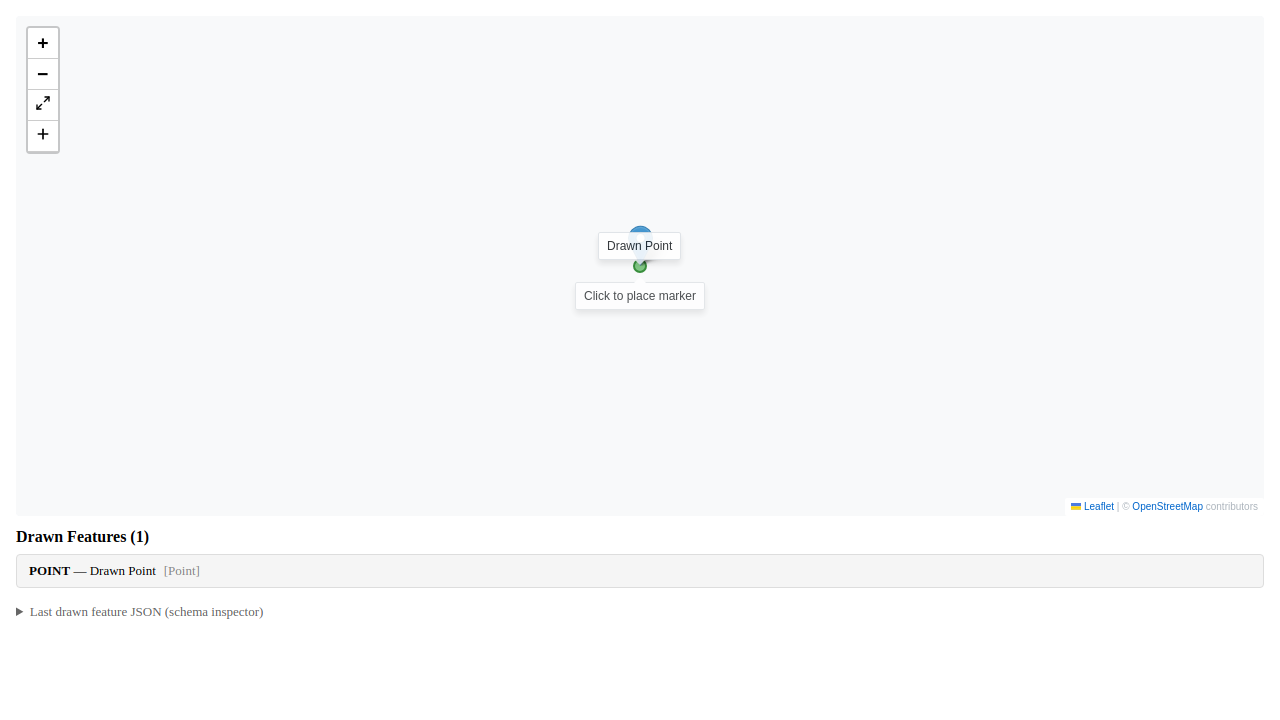
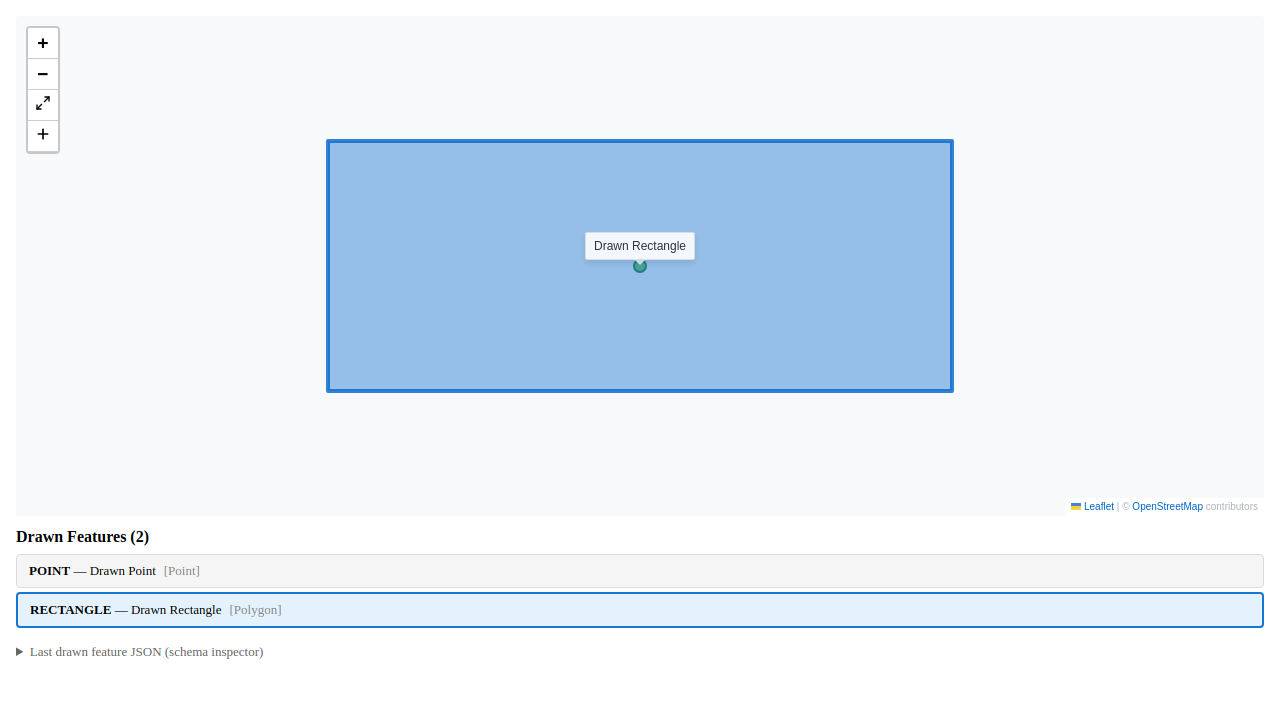
Two shape types are supported. Points become ReferenceLocation features (kind=POINT) with green markers. Rectangles become RectangleAnnotation features (kind=RECTANGLE) with blue polygons. Each gets a UUID, default styling, and required schema properties. If you click without dragging in rectangle mode, the zero-area geometry is silently discarded — no error, no minimum-size snapping. The analyst didn’t intend a shape, so we don’t create one.
The function is pure. No side effects, no DOM access, no state mutations. You call it with GeoJSON plus the active drawing mode, and you get back a schema-compliant feature or null. This made testing straightforward — 33 unit tests without needing a map or browser.
Screenshots
Point drawing in action:
Rectangle drawing with multiple features:
Callback-Based Integration
The LeafletToolbar listens for Geoman’s pm:create event, extracts the raw GeoJSON, and fires an onShapeCreated callback. The consumer — VS Code webview or Storybook story — calls createDrawnFeature() and decides what to do with the result. The shared component library stays generic. The consumer owns the state update.
In VS Code, drawn features are immediately added to the active plot’s feature collection and auto-selected. In Storybook, they go into a useState array for demonstration purposes. Same conversion function, different destinations.
What Held Up
The default colour choices — green points, blue rectangles — were deliberately distinct from track colours (blue for ownship, red for contacts). Drawn annotations needed to be visually distinguishable from loaded data. We made these constants in a drawingDefaults.ts module. They’re fixed for now, but could be made configurable later if users have strong opinions about annotation colours.
The degenerate rectangle case (click without drag) came up during testing. Geoman fires pm:create even when the drag distance is zero. We added an area check to isValidDrawnGeometry() and return null if the rectangle has zero width or height. The shape is discarded silently. No toast, no error dialog. The analyst didn’t drag, so we assume they didn’t mean to create a shape.
Auto-selecting the newly drawn feature felt right — you’ve just placed a point or drawn a rectangle, you probably want to inspect or label it. The selection happens in the onShapeCreated handler, right after adding the feature to the collection. One less click for the analyst.
Test Coverage
33 unit tests, all passing. These covered geometry validation (zero-area rejection, coordinate pass-through, closed polygon rings), schema compliance (correct kind discriminators, required properties, UUID uniqueness), and default styling (green points, blue rectangles, opacity values).
13 e2e tests via Playwright against the Storybook story. These verified rendering across three theme variants (light, dark, VS Code), point and rectangle creation via actual map clicks, and screenshot capture for visual regression. Total duration 24.8 seconds.
No regressions. The existing ToolMatchHarness e2e suite (12 tests) still passes, confirming that drawing doesn’t interfere with tool matching or existing map interactions.
What’s Next
Drawn features currently live in React state. They disappear when you close the webview. Persistence to STAC is feature 096 — we kept it separate so drawing could ship without coupling to the storage layer. Once 096 lands, drawn annotations will survive across sessions and appear in the STAC catalog alongside loaded data.
The pure function approach paid off. The core conversion logic is in four small files (drawingDefaults.ts, isValidDrawnGeometry.ts, createDrawnFeature.ts, and a barrel export), fully tested in isolation. When we wire up persistence, the conversion logic won’t change. We’ll just add a STAC write after the feature is created.