What We Built
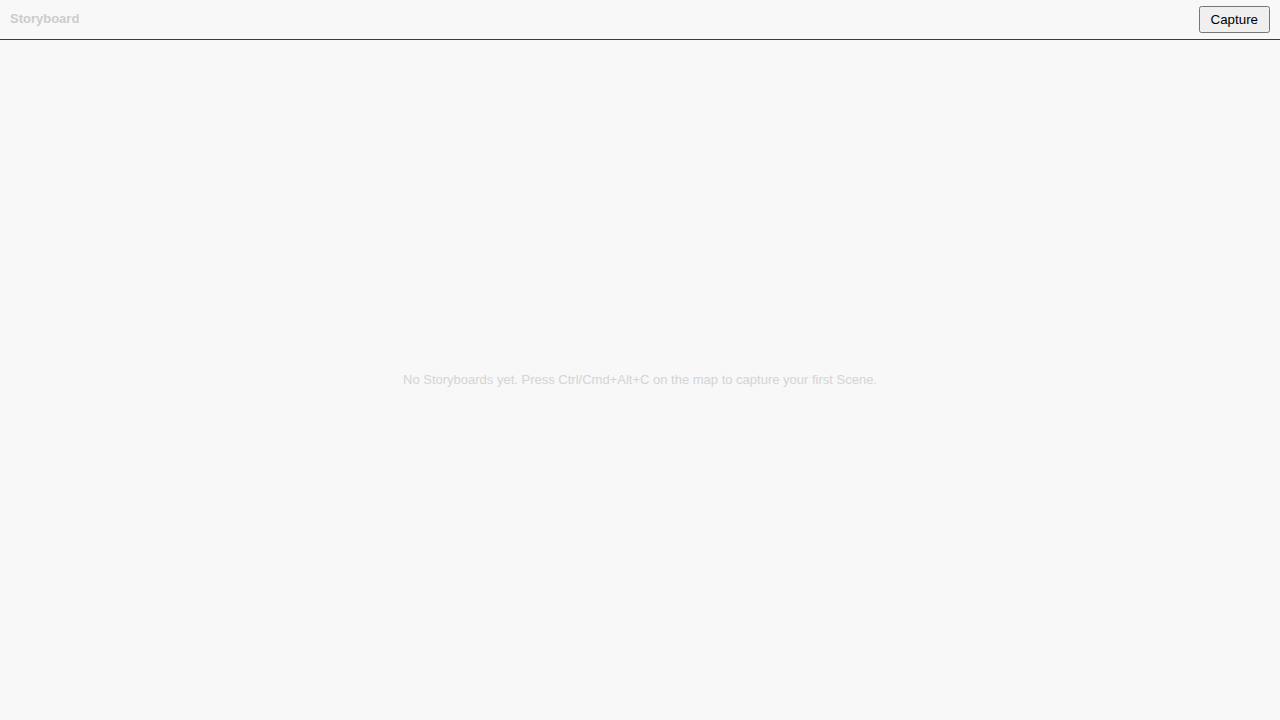
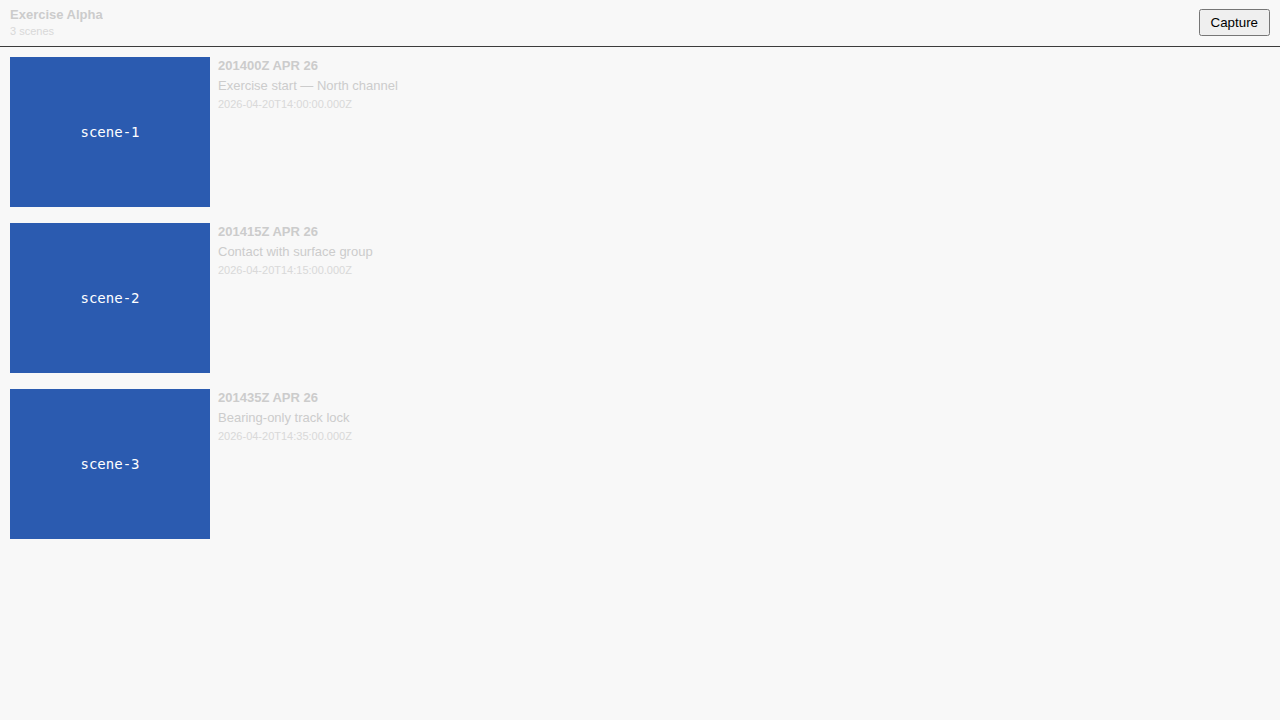
An analyst watching a track develop can now freeze the current moment with one keystroke. Ctrl/Cmd+Alt+C inside the Map Viewer captures the viewport centre and zoom, the time-slider instant, the set of visible plot features, and a paired 800×600 / 200×150 PNG thumbnail into a schema-validated Scene, attached to a Storyboard that lives inside the plot’s existing GeoJSON FeatureCollection. Save the plot, close it, reopen it — the Scene comes back byte-identical.
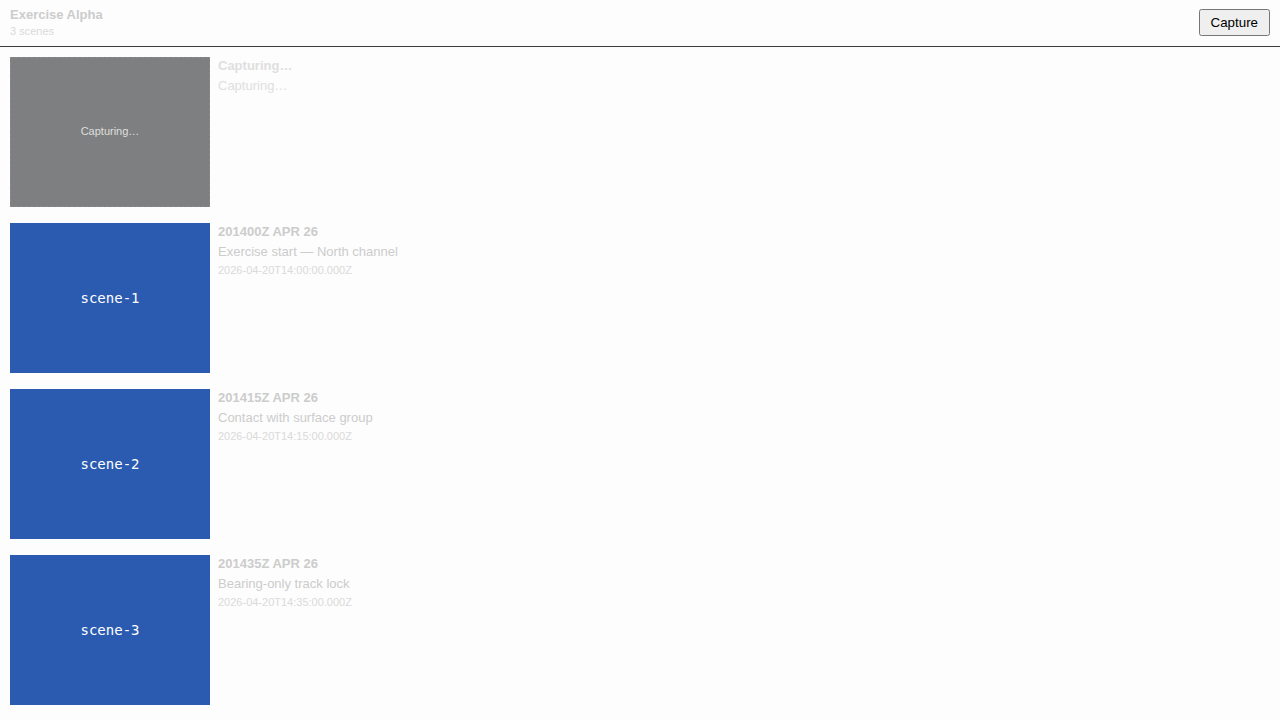
The first capture on a plot prompts for a Storyboard name via a VS Code quick-pick. Subsequent captures append to the active Storyboard without prompting, resolved through #215’s getActiveStoryboardDefault. If the time-slider is already parked at a timestamp that’s been captured before, a modal offers Replace / Offset (+1 s) / Cancel — never a silent overwrite, never a silent no-op.
How It Works
The slice is deliberately tiny because #215 already owned the hard parts. The extension adds:
- One command handler —
apps/vscode/src/commands/captureScene.tsreads a consistent snapshot from the Zustand session store (viewport,currentTime,hiddenFeatureIds), callsMapPanel.requestThumbnailCapturesynchronously for the PNG pair, then hands off to #215’screateScenefor canonicalisation, duplicate-timestamp detection,feature_set_hash, and provenance append. - One WebviewViewProvider — the minimal Storyboard panel. It renders the current Storyboard’s Scene list (thumbnail, DTG-default title, timestamp) and the capture button. Transport, dropdown, and edit affordances are out of scope — those belong to #217 and #218.
- One per-Scene thumbnail service —
sceneThumbnailService.tsextends the #174 STAC asset convention. Per-Scene thumbnails are keyedscene-thumbnail-{ulid}andscene-thumbnail-{ulid}-sm, written under{stacItemPath}/scene-thumbnails/with the same lazy-mkdir, rename-on-tmp,item.json-last ordering. If anything fails mid-write,item.jsonis untouched and no Scene is persisted.
Default Scene titles use DTG format DDHHmmZ MMM YY (ZULU) with an ISO-8601 fallback — the formatter itself lives in #215. The Ctrl/Cmd+Alt+C keybinding is scoped via a VS Code when-clause (debrief.mapFocused && debrief.plotOpen) so pressing it anywhere else is a silent no-op rather than an error.
Plot-type conflation, caught in review
The extension has a Plot type that wraps STAC-Item metadata — title, bbox, time extent, item path. #215 has a separate Plot type alias for a GeoJSON FeatureCollection carrying Storyboard and Scene Features. Structurally different, same name, silently colliding at the CRUD boundary. Code review caught it before merge; we re-aliased #215’s export to StoryboardPlot (and StoryboardPlotTimeRange) so every consumer picks its lane explicitly. The capture handler now wraps MapPanel.currentFeatures into a throwaway FeatureCollection at the CRUD call site and pushes the result back via setFeatures(…); the STAC Plot metadata never crosses the CRUD boundary.
Testing
77 unit tests, 71 passing, 6 skipped pending the openvscode-server webview iframe blocker (#143). Each skipped E2E workflow maps 1:1 to a passing unit test in captureScene.test.ts, so regression risk is covered today and the E2E suite is ready to run the moment #143 unblocks.
| Suite | Tests |
|---|---|
captureScene.test.ts — command handler |
15 |
sceneThumbnailService.test.ts — per-Scene thumbnail writer |
15 |
storyboardPanelView.test.ts — view provider |
8 |
StoryboardPanel.test.tsx — presentational component |
8 |
mapPanel-setFeatures.test.ts — MapPanel API additions |
4 |
sessionManager-actor.test.ts — actor resolution |
5 |
| Storybook Playwright E2E (bundled Chromium) | 16 |
Every acceptance scenario and every edge case in spec.md — dismissed name prompt, out-of-range timestamp, null viewport, null PNG pair, writeSceneThumbnail throwing mid-flight, duplicate-Replace, duplicate-Offset, duplicate-Cancel, in-flight re-entry — has a named test.
What’s Next
#217 — Panel + playback. Multi-Storyboard dropdown, on-map rectangles for the active Storyboard’s Scene viewports, the playback transport, flyTo animation and time-slider tween, scrub-window lock, missing-data hard-block. The core value of the epic — guided walkthroughs of recorded exercises — lands there.
#218 — Edit suite + housekeeping. Inline rename, markdown narration, soft-delete with toast-undo, update-to-current (atomic re-snapshot), duplicate, copy-to-other-storyboard, stale-thumbnail detection, Analysis Log (#176) integration.