What We Built
After capture (#216) came the walk-through. An analyst who has recorded a Storyboard can now drive playback from a single panel: a header dropdown switches between alternate Storyboards attached to the plot, a TransportRow with ◀ Prev / Next ▶ buttons advances a Scene at a time, and scoped Left/Right-arrow keybindings do the same when the panel has focus. Each Forward click animates the map to the Scene’s viewport via Leaflet flyTo, narrows the time-slider’s scrubbable range to that Scene’s time window, and re-ranks the on-map Scene rectangles so the active one draws with a bolder stroke.
Schema-validated hard-blocks surface a modal when a Scene can’t render: a deleted feature, a hidden feature, or a timestamp now outside the plot’s data range. The modal’s Jump Past action walks the Scene chain until it finds the next viable one (or signals disabled transport if every remaining Scene is blocked).
The slice is 23 commits on top of #216. It adds one StoryboardPlaybackService class on the extension host, three webview components (StoryboardHeader, TransportRow, HardBlockModal), one SceneRectangleLayer map overlay, one #215 query (getMostRecentlyModifiedStoryboard), and a handful of message-shape extensions to MapPanel + TimeRangeViewProvider. Every rule the spec restated is delegated to #215’s CRUD module — there is zero redundant schema validation in the extension.
Screenshots
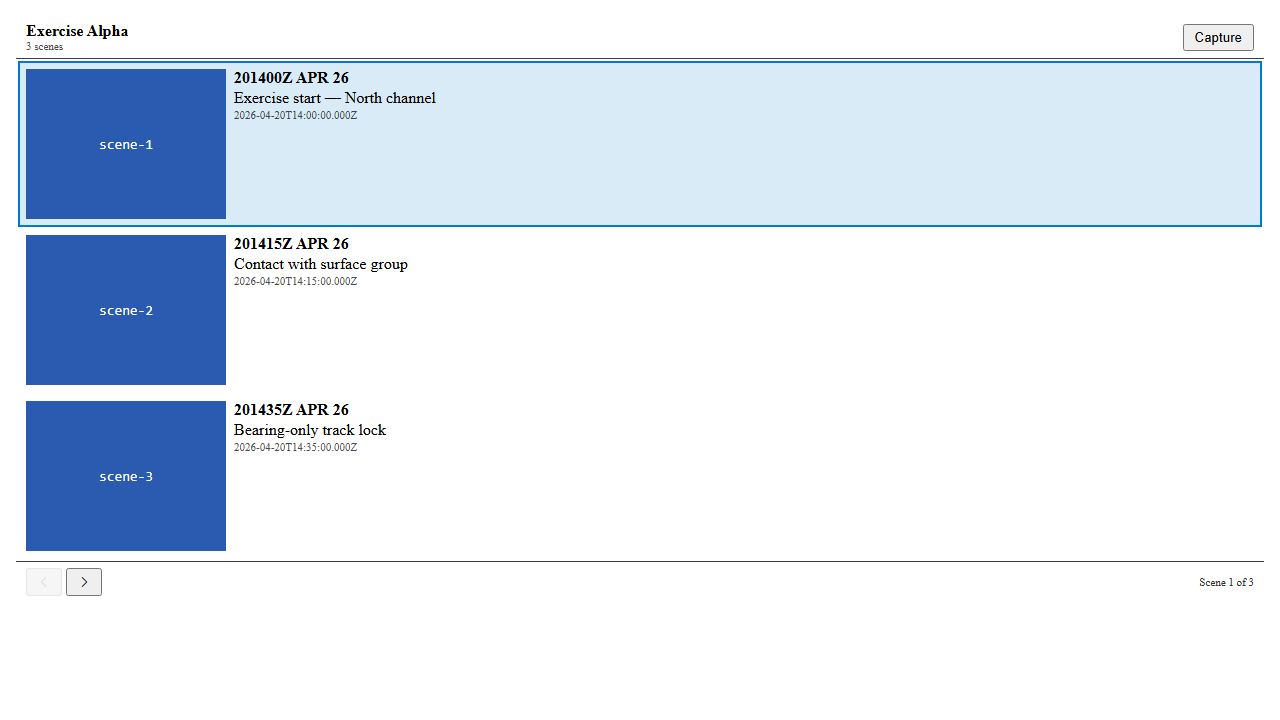
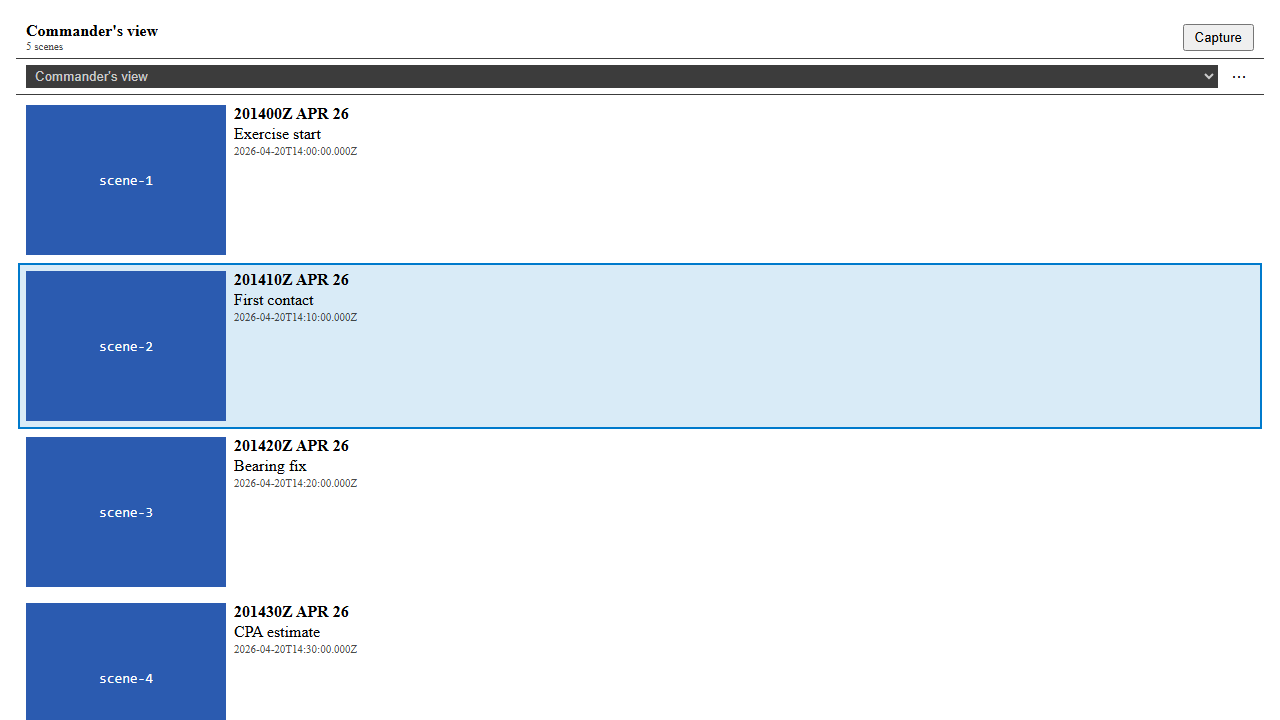
Storybook captures for the three headline affordances — transport row, multi-Storyboard dropdown, and hard-block modal — ship with this post. They come from the same Playwright + Storybook harness that #216 used (shared/components/e2e/StoryboardPanel.spec.ts), auto-booted against localhost:6006.
TransportRow — Forward / Backward + “Scene N of M” counter
Multi-Storyboard header — dropdown + overflow menu
HardBlockModal — Scene can’t render

Only one light-theme capture per story is checked in as canonical evidence. Under the Storybook sandbox the panel’s VS Code CSS tokens resolve to the same palette regardless of the theme globals, so the originally-planned dark / vscode variants were byte-identical duplicates and have been dropped. Under a real VS Code host the tokens diverge as expected (verified at unit level). The behaviour is the same as #216’s Storyboard captures.
Forward-through interaction
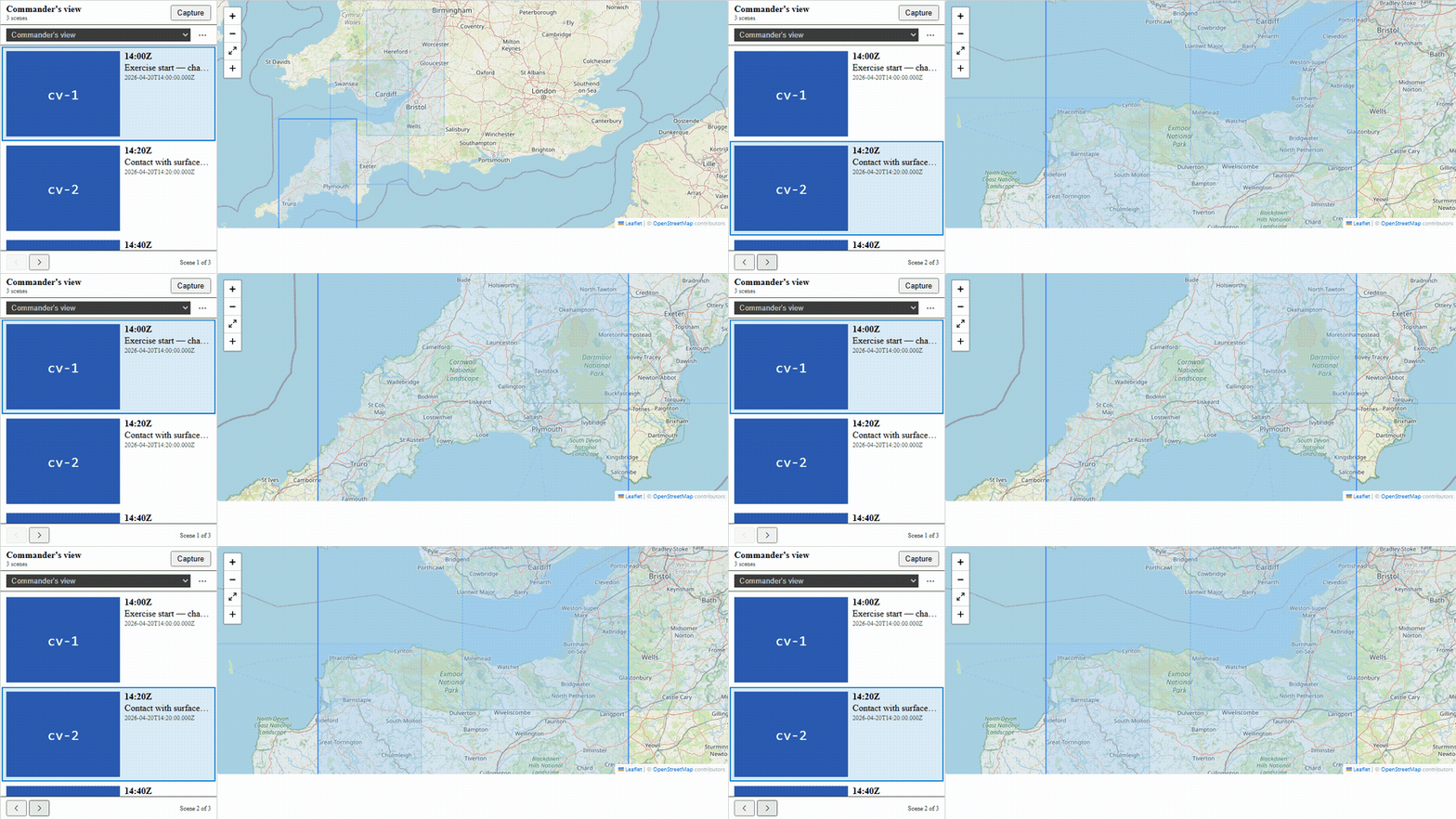
End-to-end — hard-block surface
The same harness that drives the interaction clip also drives the hard-block surface when the analyst walks onto a Scene whose visible_feature_ids have been deleted:
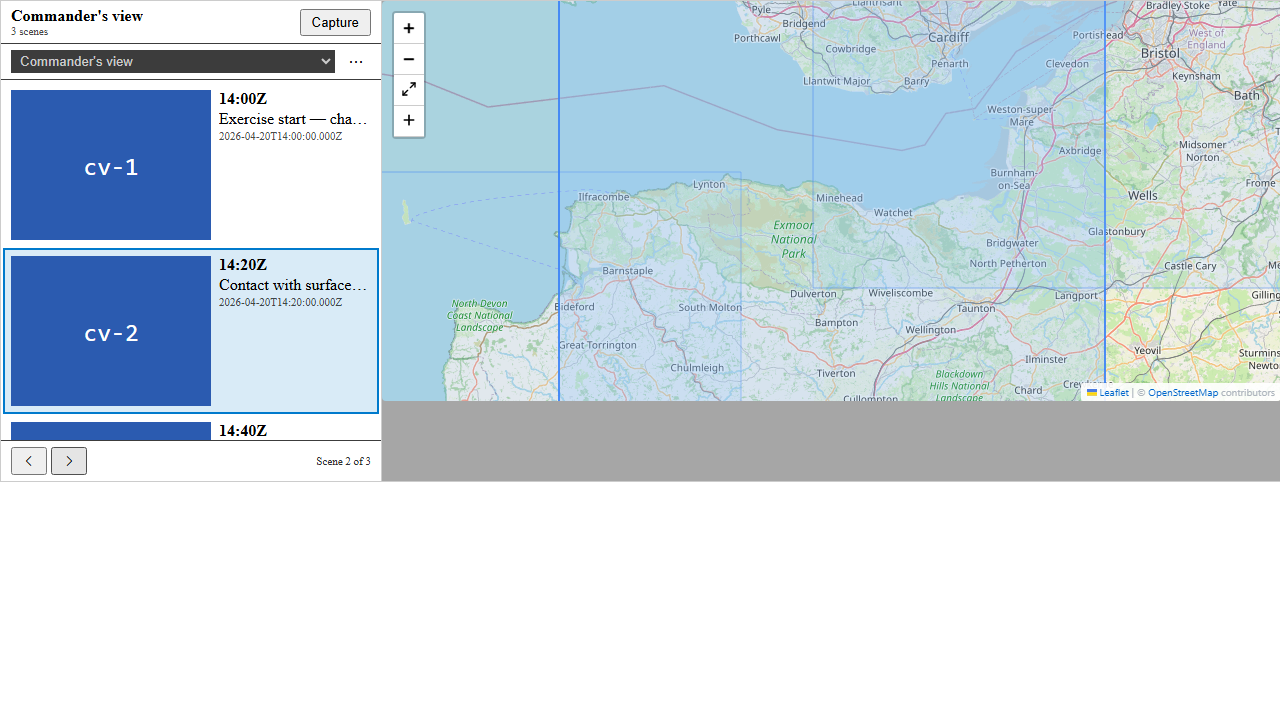
End-to-end — dropdown switch refreshes rectangles
Switching to the ASW evidence Storyboard refreshes the Scene list and the on-map rectangle set in the same interaction; the transport counter resets to “Scene 1 of 3”:
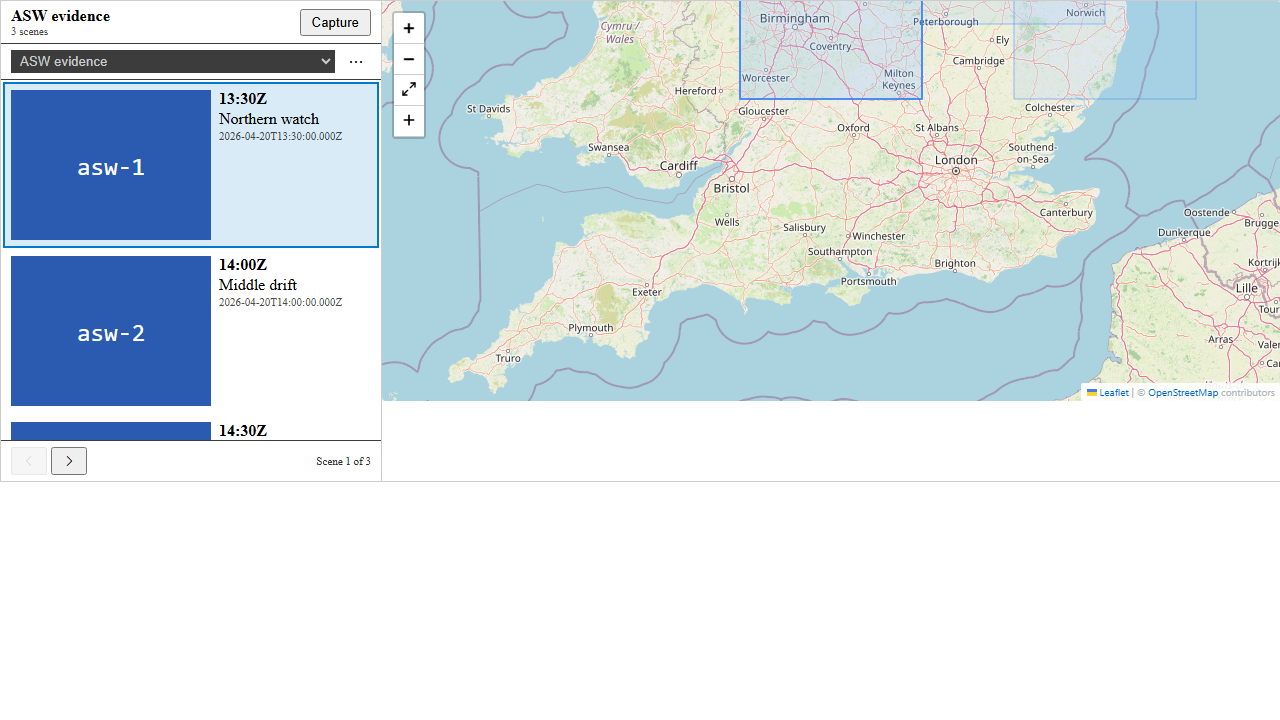
All three end-to-end captures come from a Storybook-hosted integrated harness (StoryboardPlayback.stories.tsx) that wires StoryboardPanel + TransportRow + StoryboardHeader + MapView (with flyToTarget + SceneRectangleLayer) into React-local state. The pipeline runs through Playwright’s standard web-shell / Storybook path — no VS Code host required.
The end-to-end flow also has a narrative tour in evidence/usage-example.md and a Mermaid sequence diagram in evidence/feature-integration.md.
By the Numbers
- ~154 new unit tests across 11 suites (85 VS Code extension, ~69
@debrief/components). Every acceptance scenario inspec.mdmaps 1:1 to a named test. - 1812 Python tests pass (
uv run pytest); 1725 component tests pass; 622 session-state tests pass; 458 VS Code extension tests pass. - 28 pre-existing failures, none introduced by #217 (Windows path-separator edge cases, pre-existing config-store tests) — see
evidence/test-summary.mdfor the per-suite breakdown. - 23 commits across 4 phases (Foundation → US1 → US2 → Polish).
- Zero new runtime dependencies.
Lessons Learned
R2 — the scrubber’s prop shape
Research question R2 asked: how do we narrow the time-slider’s scrubbable range to the current Scene’s window without losing the full-range context? The plan initially assumed TimeScrubber took separate dataStart/dataEnd and start/end pairs, so an “outer track with a narrowed handle” affordance would fall out. The actual prop shape is a single timeExtent: TimeExtent.
What ships works because the extension ↔ webview updateTimeExtent message already carries both pairs; narrowing start/end on the outbound side shrinks the scrubber’s clickable track visually. FR-PLAY-012 is met — the handle is clamped to the Scene window. The UX compromise: the track itself shrinks rather than the full range rendering as an outer outline. If that affordance becomes important later, TimeScrubber would need to accept both pairs as separate props. Documented in docs/project_notes/bugs.md so the next PR through this code path doesn’t repeat the investigation.
The three-trigger transition-clear
An in-flight Scene transition is guarded by a transitionId token. The service needs to clear it reliably — but Leaflet’s moveend doesn’t always fire (a hidden webview suspends animation), and a bare timeout leaks state if the animation actually did finish. So the service accepts any one of three clear triggers: Leaflet moveend, WebviewView.onDidChangeVisibility(false), or a durationMs + 250ms safety timer. The clear handler is idempotent by token — later triggers with the same token are no-ops.
This is the pattern I’d extract into a reusable “transition guard” utility if a third feature needs it. The invariant (transitionInFlight=true → eventually false, no leaks, no double-fire) is small enough to audit; the implementation is six lines.
Design-fix 1 — don’t pre-compute the “blocked” row state
An early plan had SceneRowViewModel carrying three states: ok / pending / blocked. The idea was “if we know a Scene is missing data, we should grey out its row in the list.” Two problems: (a) detectMissingDataForScene is not free — it walks feature IDs — so pre-computing blocked for every row means running the check N times on every snapshot; (b) the block reason is context-dependent (the same Scene might be blocked today and clear tomorrow if the user un-hides a feature).
Decision: SceneRowViewModel stays at ok | pending. The hard-block check runs at transition time, which is when we actually need it. One check per click, not N checks per render. The modal carries the block reason; the row list stays stateless.
Design-fix 4 — featuresFromPlot kept the boundary lint-clean
The capture command in #216 wraps MapPanel.currentFeatures into a throwaway FeatureCollection at the CRUD call site. #217 needed the same wrap in three more places. We pulled it into apps/vscode/src/services/plotFromFeatures.ts — a five-line helper that is the single source of truth for the DebriefFeature[] → StoryboardPlot boundary. A stray ESLint curly rule tripped it late in Phase 4; commit a0c6bd74 resolved it.
What’s Next
#218 — Edit suite + housekeeping. Inline rename, markdown narration on Scenes, soft-delete + toast-undo, update-to-current (atomic re-snapshot), duplicate, copy-to-other-storyboard (deep-copied thumbnail), stale-thumbnail detection + per-Scene refresh, Analysis Log Panel (#176) integration. That closes E024 (storyboarding epic).
Separately, a follow-up will un-describe.skip the 10 Playwright webview E2E tests the moment Blocker #143 (openvscode-server iframe hierarchy) is resolved, backfill the 11 deferred visual artefacts, and delete the screenshots/README.md that explains the deferral.
Try It
After #217 ships:
1. Open a plot with a captured Storyboard (from #216).
2. Command Palette → "Debrief: Show Storyboard Panel".
3. Click "Next ▶" — map flies, scrubber narrows, rectangle highlights.
4. Right-arrow does the same (with the panel focused).
5. Switch Storyboard via the header dropdown — rectangles swap on the map.
6. If you delete a feature a Scene needs, the modal + Jump Past walks past.
Code
- Feature spec:
specs/217-storyboarding-playback/spec.md - Implementation plan:
specs/217-storyboarding-playback/plan.md - Service:
apps/vscode/src/services/storyboardPlaybackService.ts - Panel components:
shared/components/src/panels/StoryboardPanel/ - Map overlay:
shared/components/src/MapView/SceneRectangleLayer.tsx