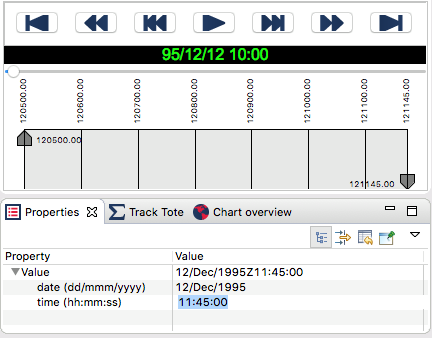
At a recent meeting conducting discovery of what Debrief-Lite should look like, an existing user indicated he really wanted time filtering to be via a dialog box, not by dragging the time filter controls - which is a pain to fine tune in Debrief. Of course, it's already possible to fine-tune these controls to a...
Read More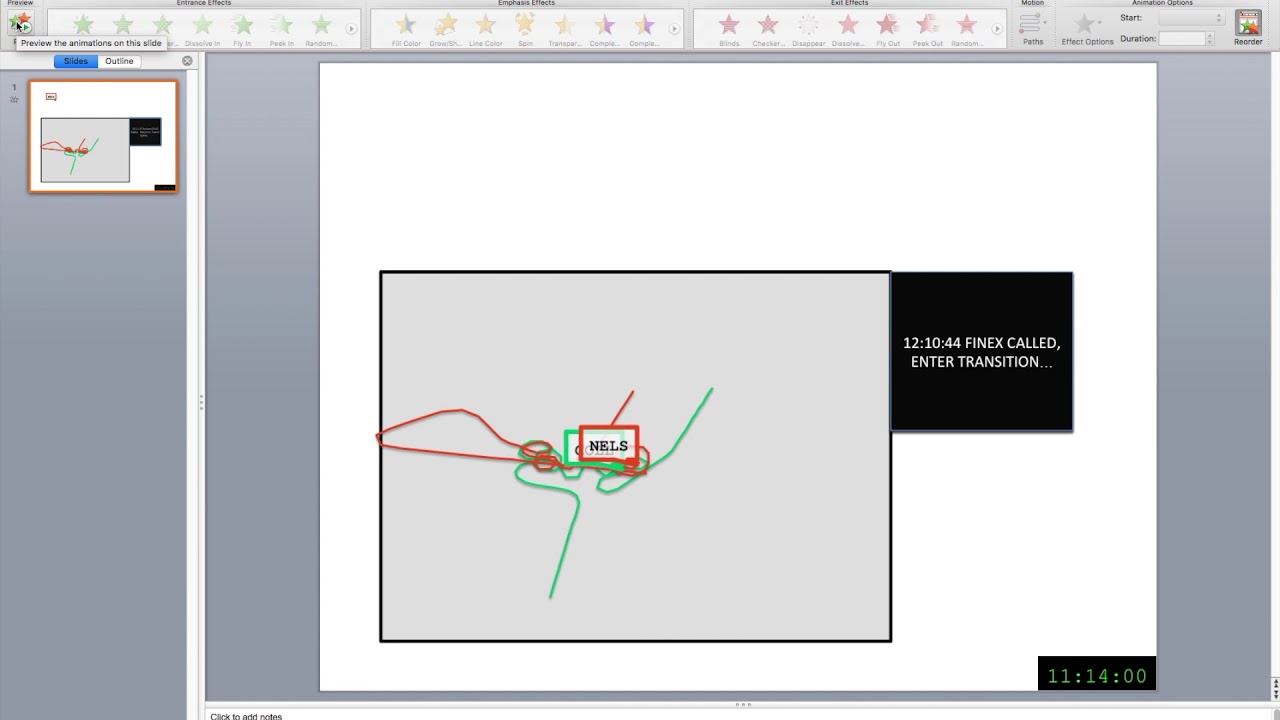
What good is all this analysis if you can’t put it in a report? Many of our analysts use powerpoint to show their teams what they’ve found. Most use cropped screenshots for the task, but we wanted to help them do better. That’s why we’re adding the ability to export scenarios as video files or...
Read More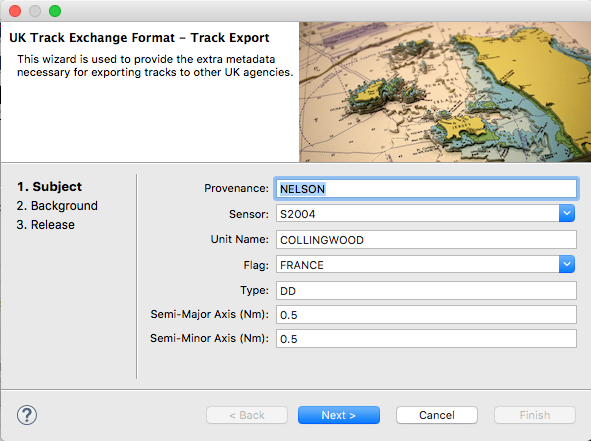
We're pleased to release version 3.0.440. The highlights in this release are the early technical demonstrators for video replay & lightweight tracks. Feedback on these is most welcome. It also includes the exporter (see wizard below) for data in the new UK track exchange format. Full details on the release here: GitHub Debrief
Read More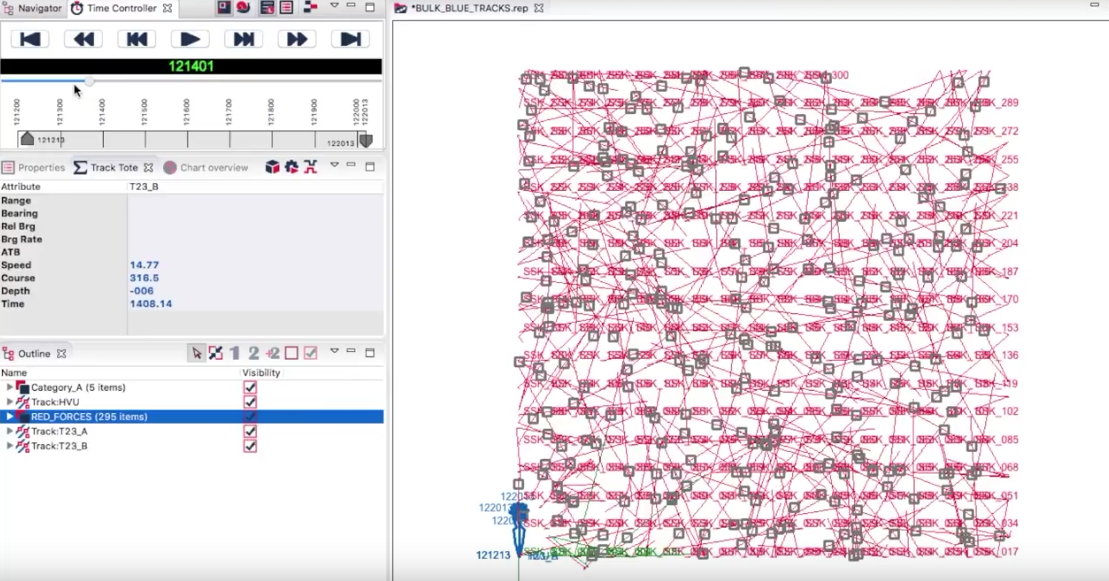
In today's release we're including a technical demonstrator for Lightweight Tracks. Some analysis tasks require the analysis of traffic passing through the exercise area. This could come from radar, AIS or IFF, and can be hundreds (or even thousands) of tracks. But, in traditional Debrief practice, all tracks sit at the top level of the...
Read More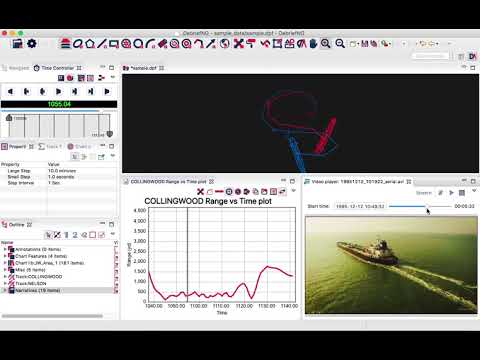
Analysts said they wanted to analyse a video feed synced with the track plot so that they have more context to the tracks they’re analysing. Well we’ve been working on just that. Take a look at the video below and tell us what you think. What other features do you want to see?
Read More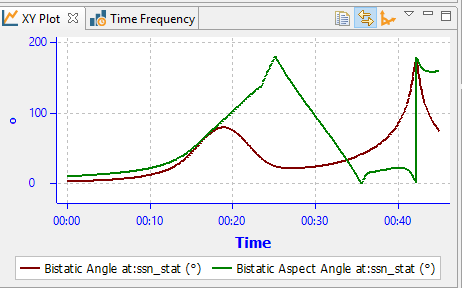
Continuing from the previous article regarding support for non-time datasets, we're now going to consider how to collate two non-time indexed dataset to produce a 2D dataset that can be displayed as a heat map. Background The big picture objective is to view a two-dimensional plot containing the signal strength from a transmitter (tx) mapped...
Read MoreA shortcoming of the initial backend datastore for Limpet (learn more here: http://limpet.info) was that it could only store datasets that were indexed by time. This had little impact, since Limpet was only being used for analysis of time-stamped data. But, for the second phase of support for multi-static analysis, Limpet must store data indexed...
Read MoreLast year's addition of Stacked Charts in Debrief started the movement towards more free-flowing analysis using Debrief. Stacked Charts allowed the analyst to consider the relationships between any kind of data in Debrief. Traditionally Debrief had a tightly focused data model: platform tracks plus some sensor data. While new graphical annotations and cosmetic styling of...
Read MoreFor the last year we've been steadily progressing Debrief's data analysis capabilities (read last year's introduction here), adding features in packages focussed on analysts' requirements. The first major realisation of this is in Debrief's new Tactical Overview display, which will be released later on today. This posting will give you an overview of the capability....
Read More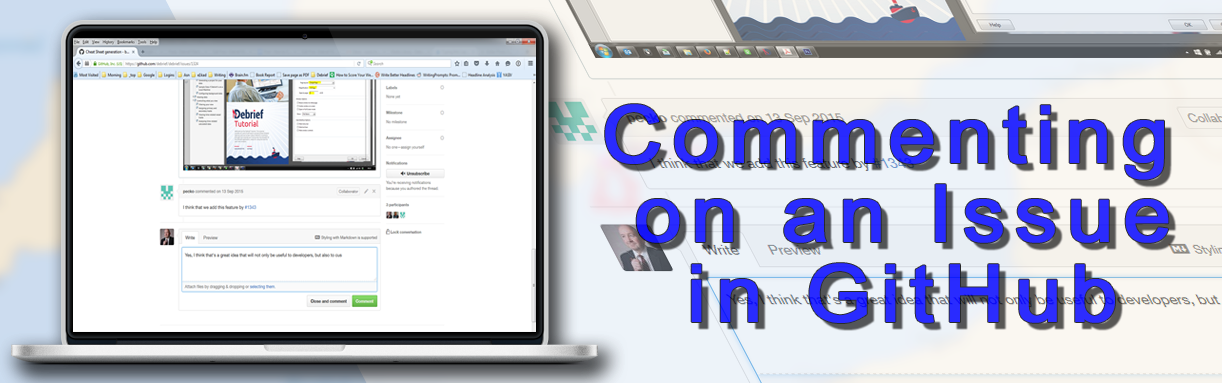
Commenting on a Debrief Issue Commenting on any open or closed Debrief issue, whether your own or anyone else's, is easy to do: Click on the Subject line of the issue you wish to comment on to view the issue: The issue will then display: As the above image shows, there is a comment box...
Read More